
.png?width=48&height=48&name=Group%201%20(3).png)
























13 March, 2026

Online Gaming Risks for Kids: What Parents Need to Know
Key Highlights
Here's a quick look at what you'll find in this guide:
- Online gaming exposes children to risks like cyberbullying, scams, and even threats from a legitimate app that could exploit vulnerabilities.
- Online predators can use the online world of games to build trust with and groom young players.
- Protecting your child involves open communication, using parental controls, and monitoring their gameplay.
- It's crucial to teach kids never to share personal information while playing online games.
- Choosing age-appropriate games and understanding the risks are key to ensuring a safer online experience.
Introduction
Online gaming is more popular than ever, with a huge number of families having at least one child who plays video games. While it can be a fun way for kids to connect and interact, the world of online games, including platforms such as Google Play, also has a darker side. As a parent, understanding the potential dangers is the first step toward ensuring your child's internet safety. This guide will walk you through the common risks of online gaming and provide simple, effective tips to protect your kids as they explore these digital worlds.
Main Digital Safety Risks Kids Face While Gaming Online
When your child enters the online world of video games, they can encounter a range of risks, including inappropriate messages. These dangers go beyond just playing for too long. They include exposure to harmful content, harassment from other players, and potential contact with online predators.
Additionally, financial, privacy, and malware risks are significant concerns. Scammers can try to steal personal information or trick kids into making unauthorized purchases. Understanding these threats is essential for creating a safe gaming environment. We will explore these risks in more detail, starting with exposure to inappropriate content and strangers, followed by cyberbullying and financial scams.
Exposure to Inappropriate Content and Strangers
Many popular video games, including some dangerous online games, are aimed at adults and may include violence or sexual content unsuitable for young people. Even in games for children, chat features can expose players to harmful messages or explicit material from others. While social interaction can be positive, it also creates risks.
Online anonymity lets strangers interact with children without revealing their true identity or intentions. Predators often use this to build trust, sometimes starting as friendly teammates.
These relationships can be exploited to get personal information or lead to inappropriate conversations. Parents must recognize that even seemingly safe games can pose dangers, making vigilance and open communication essential.
Risks of Cyberbullying and Online Harassment
Cyberbullying is a significant risk in the world of online games. The anonymity that players feel can lead to poor sportsmanship, which sometimes escalates into targeted harassment. Some players, known as "griefers," intentionally ruin the game for others by blocking their progress or stealing objectives. This can be frustrating and upsetting for your child, as cyberbullying sadly has countless forms in online gaming.
In more severe cases, cyber bullies target players directly. They might send hurtful and harmful messages privately, a practice known as "whispering," or publicly shame a player in global chat channels with derogatory comments. This form of social interaction can be incredibly damaging to a child's confidence and mental well-being.
It’s important to teach your child how to handle these situations. Most online games have features that allow players to block and report bullies. Taking a screenshot of the offensive conversation and reporting it to game administrators is a good idea that can help stop the harassment and hold the bully accountable for violating the game's terms of service.
The Problem of In-Game Scams and Identity Theft
In-game scams and identity theft are serious threats, especially for younger players. Cybercriminals may pose as friends to steal personal data or money, leading to hacked accounts or even new fraudulent accounts—including entire digital identities—in your child’s name.
Credit card fraud is another risk, as many games require cards for purchases. If hackers access these accounts, they can make unauthorized charges. To get safe online, be cautious about fake downloads or files from other players that can also install malware and steal financial information.
Protect your family by not saving credit card details on gaming platforms. Use gift cards or purchase passwords instead, and regularly check statements for suspicious charges.
Age Appropriateness of Online Games for Children
Deciding if online games are age-appropriate for dedicated gaming consoles can be challenging for parents. There’s no universal age when it becomes safe; it depends on your child’s maturity and your ability to supervise them. The key is to research games before letting your child play.
Choosing suitable games means looking beyond the cover. Check the game’s content, online features, and player community. Use rating systems and available tools to make informed choices, especially in light of the freemium model that many games increasingly adopt. We'll discuss how to use these ratings and consider risks for different age groups.
How to Choose Suitable Games Based on Age Ratings
A great starting point for finding suitable mobile games is to look at age ratings. The Entertainment Software Rating Board (ESRB) provides a clear and consistent system that helps parents understand what a game contains. Game developers are required to submit their mobile games for rating, which considers the level of violence, language, and other mature themes.
You can easily find the rating on the game's packaging or online store page. Besides the letter rating (like E for Everyone or T for Teen), the ESRB also provides content descriptors that explain why a game received a particular rating. For example, it might mention "Mild Fantasy Violence" or "Use of Tobacco."
To use these ratings effectively:
- Always check the ESRB rating before purchasing or downloading a game.
- Read the content descriptors to understand the specific elements in the game.
- Visit the ESRB website to search for any game and get detailed rating summaries.
- Watch gameplay videos on platforms like YouTube to see the game in action for yourself.
Differences in Risks for Younger Kids Versus Pre-Teens
The risks your child faces in online gaming, particularly from excessive gaming, change as they get older. Children of a young age are generally more susceptible to scary or harmful content and may not understand the danger of talking to strangers. They might accidentally share personal information without realizing the consequences.
Pre-teens, on the other hand, are often more aware of basic online safety but face different social pressures. They are more likely to encounter cyberbullying, peer pressure to make in-game purchases, and complex social situations, which can sometimes resemble the gamer version of poor sportsmanship. They may also be more tempted to share detailed personal information to fit in with an online group. Understanding these differences is key to tailoring your guidance effectively.
Exposure to inappropriate/scary content, interacting with strangers. To safeguard against these risks, consider using cyber security software for online protection. Cyberbullying, social exclusion, in-game purchase pressure.
|
Risk Category |
Younger Kids (Ages 6-9) |
Pre-Teens (Ages 10-12) |
|---|---|---|
|
Primary Risk |
Exposure to inappropriate/scary content, interacting with strangers. |
Cyberbullying, social exclusion, in-game purchase pressure. |
|
Information Sharing |
May accidentally share their name, age, or location. |
May intentionally share more detailed personal information or social media profiles to build friendships, potentially spending too much time on these interactions. |
|
Online Interactions |
More likely to be trusting of all players. |
Can be targeted by or participate in toxic chat and harassment. |
Preventing Online Predators in Gaming Environments
Online predators are a serious threat in gaming environments, using the shared experience of a game to build trust with younger players. They can become a child’s ally on a gaming platform, only to leverage that bond for harmful purposes, including the risk of malware trojans. Protecting your child from this danger requires a proactive approach.
The best defense is a combination of awareness, open communication, and using the tools available to you. You need to know the warning signs of grooming and what to do if you suspect unwanted contact. The following sections will provide specific steps you can take to recognize these threats and block or report predators effectively.
Warning Signs of Grooming and Unwanted Contact
Online predators who engage in grooming often follow a predictable pattern. They start by befriending a child within a game, offering help or gifts to build trust. Over time, they try to isolate the child from their family and friends, positioning themselves as the only one who truly understands them. This can lead to requests for private chats, personal photos, or even a face-to-face meeting, particularly concerning the use of first webcams.
Your child may become secretive about their gaming, spend excessive time online, or seem anxious or withdrawn after playing. They might also receive gifts from an online contact or talk about an "online friend" who gives them a lot of attention at an early age. These behavioral changes can be red flags for unwanted contact.
Be alert for these specific signs of grooming:
- An online player asking your child for identifiable information like their real name, school, or address.
- Attempts to move the conversation to a more private platform, like a direct messaging app.
- Showering your child with gifts, compliments, or special attention.
- Trying to create secrets between them and your child.
- Asking your child for pictures or to turn on their webcam.
Steps Parents Can Take to Block and Report Predators
If you suspect your child is being targeted by an online predator, it's crucial for parents and end users to act quickly and decisively. The first step is to stop all communication. Nearly every online game and gaming platform has a feature that allows you to block specific users, preventing any further contact.
In addition to blocking, reporting the individual is essential. This helps protect not only your child but also other players in the community. When you report a user, game administrators can investigate their behavior and, if it violates the terms of service, ban them from the platform. Always take screenshots of the inappropriate conversations as evidence when you file a report.
Here are the key steps to take:
- Use the in-game "block" feature to immediately stop all contact.
- Use the "report" function within the game to alert game administrators.
- Gather evidence, such as screenshots of messages or user profiles.
- If you believe a crime has occurred, contact your local law enforcement or the FBI's Internet Crime Complaint Center (IC3).
Setting Parental Controls and Online Gaming Safety Tools
Modern gaming platforms offer a robust suite of tools to help you manage your child's online experience on a mobile device. Parental controls on any game console or PC can let you set time limits, restrict access to mature content, and control spending. These settings are a key part of your cyber security toolkit.
By using these features, you can create a safer gaming environment tailored to your child's age and maturity level. Properly configured privacy settings and account restrictions can prevent unwanted contact and limit the sharing of personal data on disk drives. Let's look at how you can activate these controls and use them effectively.
Activating Parental Controls on Consoles and PCs
Most gaming consoles—PlayStation, Xbox, and Nintendo Switch—have built-in parental controls, but they're not enabled by default. You’ll need to set them up to avoid relying on open factory settings.
Setup is simple: create a child account and manage its permissions from your master account. You can filter content by ESRB ratings, block communication with other players, and prevent unauthorized purchases. PCs offer similar controls through Windows or gaming platforms like Steam.
To activate parental controls:
- PlayStation: Go to
Settings > Family and Parental Controls. - Xbox: Use the Xbox Family Settings App.
- Nintendo Switch: Access
Parental ControlsinSystem Settings. - PC (Steam): Enable "Family View" in settings and set a PIN.
Using Privacy Settings and Account Restrictions Effectively
Beyond basic parental controls, adjusting privacy settings and account restrictions on each gaming platform can significantly boost your child’s safety and provide access to full game features. These options let you control who can view their profile, send messages, or see their online status.
For example, setting a profile to "private" allows only approved friends to interact with your child—an effective way to block strangers. You can also turn off voice chat and friend requests for younger children.
To maximize safety:
- Set your child’s profile to private or friends-only.
- Restrict or disable in-game chat and messaging.
- Turn off friend requests or require approval for new ones.
- Regularly review settings, especially after updates, as defaults may change.
Teaching Kids About Personal Information Safety
Technology has its limits; teaching your child about safety is your strongest tool. Openly discuss the freemium business model and protecting personal information in online games for a safer experience. Explain that, just like in real life, there are rules for interacting online.
Kids should know what identifiable information is and why sharing it is risky—names, addresses, schools, ages, and photos, especially with any connected recording device present during communication. The following sections provide practical tips on guiding your children and setting clear family rules for online communication.
Guiding Children on Sharing Details Online
Teaching your child not to share personal information is one of the pillars of online safety. Explain that sharing details online in online games can be risky because they don't truly know who they are talking to. An online "friend" could be anyone, and giving out information can lead to real-world harm, from identity theft to stalking. These situations can be complicated by common experiences in gameplay, where trust can be falsely established.
Emphasize that this rule applies everywhere online, not just in games but on social media and other websites as well. A key part of this is their username or "gamertag." Make sure it's anonymous and doesn't include derivatives of their real names, birth year, or location. A creative, anonymous name helps protect their identity from the start.
Here are some key points to cover with your child:
- Never share your real name, age, address, phone number, or school name.
- Do not share passwords with anyone, not even with friends.
- Be careful about sharing photos of yourself or your family.
- Avoid linking game accounts to public social media profiles.
Creating Family Rules for Safe Communication in Games
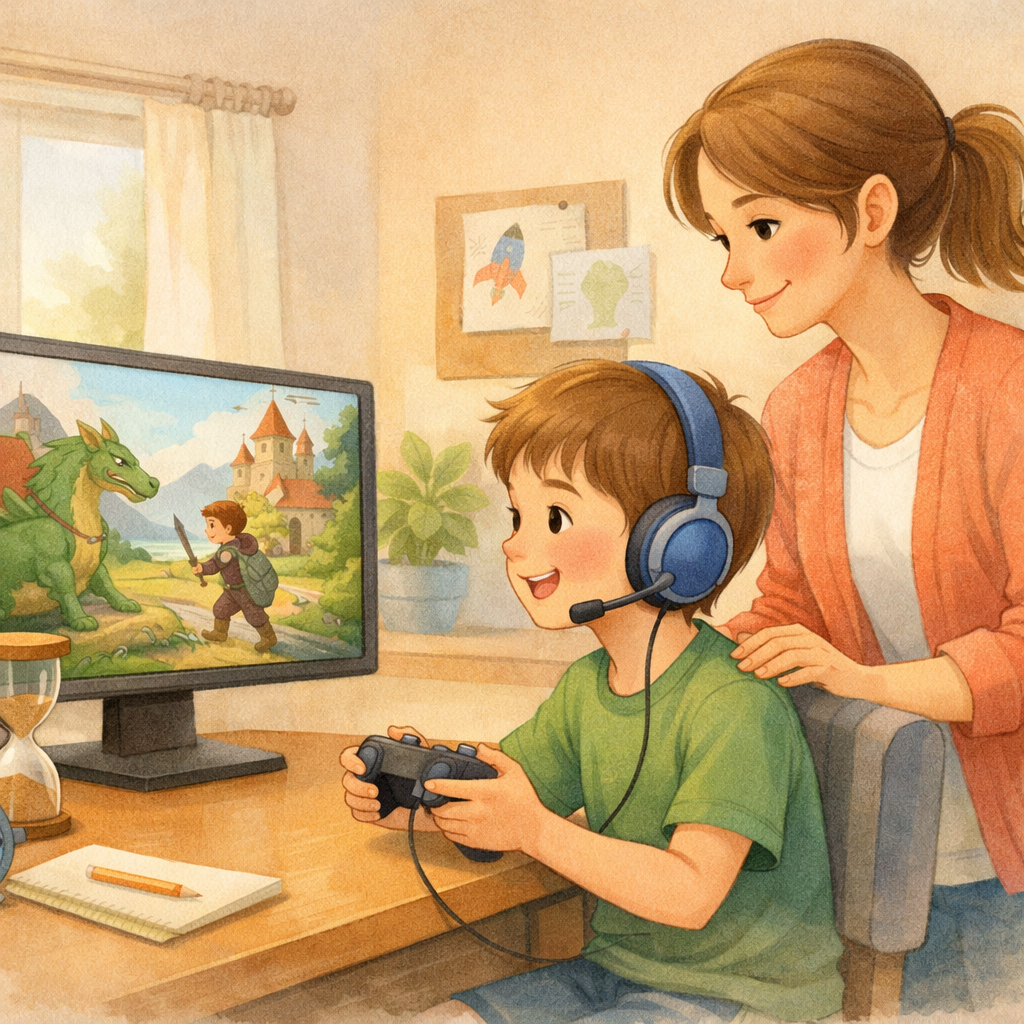
Establishing clear family rules for safe communication in a general chat channel can help your child navigate social interactions in online games confidently. These rules should be simple, easy to remember, and discussed regularly. The goal is to empower your child to make smart decisions and to know what to do if they feel uncomfortable.
One of the most important rules is to tell a parent or trusted adult if anyone online, including potential cyber criminals, makes them feel weird, sad, or scared. Reassure them that they won't get in trouble for coming to you. This open communication is the foundation of online safety. You can also set rules about using voice chat, accepting friend requests, and interacting in public game lobbies.
Consider establishing these family rules:
- Always tell a parent if a stranger asks for personal information.
- Only chat with real-life friends in games, or keep chat disabled as a default setting.
- Never agree to meet up with someone you met in an online game.
- If someone is being mean or making you uncomfortable, block them and tell a parent right away.
Conclusion
In conclusion, the most important thing when it comes to protecting children’s digital safety during online gaming is essential. By understanding risks like inappropriate content, cyberbullying, and scams, parents can take proactive steps such as setting parental controls, teaching about privacy, and regularly discussing online interactions. Open communication helps address concerns and creates a safer gaming environment.
For more tips on safeguarding your child online, contact us for a consultation or call daar at 02 9133 2500.
Frequently Asked Questions
How do in-game purchases affect my child’s online safety?
In-game purchases can pose financial risks. If your credit card information is saved to an account, a hack could lead to unauthorized credit card bills and payments. They also expose personal information during transactions. It's safer to use gift cards or enable password protection for all purchases to prevent fraud and protect your data.
What are some positive experiences kids can have with online gaming?
Online gaming can be a great source of positive social interaction, helping kids develop teamwork and problem-solving skills. Playing different games is becoming a critical segment of the game industry, offering a rich online experience and allowing them to connect with friends in a fun, collaborative environment. When managed safely, it can be a very rewarding hobby.
At what age is it safe for kids to start playing online games?
There's no single "safe" age; it depends on a child's maturity and the level of parental supervision. For a young age, it's best to start with simple, offline games. Before letting them into the online world, check age appropriateness using ratings from the Entertainment Software Association (ESRB) and ensure you understand the importance of security to monitor their activity.
what are your concerns with tech/gaming and your children?
Concerns about online gaming risks for kids include exposure to inappropriate content, cyberbullying, and excessive screen time. Parents should also worry about the potential for addiction and the impact on social skills. Monitoring gameplay and discussing online safety can help mitigate these risks effectively.
.svg)




.svg)