
.png?width=48&height=48&name=Group%201%20(3).png)























30 March, 2026

Simple Ways to Limit Screen Time Kids Will Enjoy

Key Highlights
- Set clear daily screen time limits based on your child's age to promote healthy development. Be mindful of signs that your child may be spending too much time on screens, such as trouble sleeping, irritability when not using screens, less interest in physical activity, and withdrawing from offline activities or social interactions. Establish a consistent family routine that balances screen use with physical activity and other offline activities.
- Establish a consistent family routine that balances screen use with physical activity and other offline activities.
- Utilize parental control apps and built-in device features to manage and monitor your child's digital media consumption. To effectively track and control your child’s screen time, consider using checklists that cover steps such as setting daily time limits for apps, designating device-free moments like meals and bedtime, reviewing your child’s activities regularly, and encouraging face-to-face interactions. Create screen-free zones and times, like during meals and at bedtime, to encourage family interaction.
- Create screen-free zones and times, like during meals and at bedtime, to encourage family interaction.
- Encourage outdoor play and offline hobbies to support your child's physical and mental wellbeing.
- Model healthy screen habits to show your kids how to achieve a healthy balance in their own lives.
Introduction
In today's digital world, managing screen time for young people has become a common challenge for parents. Screens are everywhere, and while they offer educational benefits, too much use can impact a child's development. Figuring out how to create healthy screen habits without causing stress in the household can feel overwhelming. This guide will provide you with practical strategies to find a healthy balance, reduce conflicts over devices, and increase quality family time away from screens.
Practical Ways to Limit Screen Time for Kids
Navigating your child's screen usage requires a thoughtful approach. The goal isn't to eliminate digital media entirely but to ensure it doesn't replace other important activities like play, sleep, and social interaction. Establishing healthy screen habits early on is key to long-term success.
To help your family achieve this, you can implement a variety of practical strategies. From setting clear boundaries to encouraging new hobbies, these tips will help you manage screen time effectively and support your child’s overall wellbeing. Let's explore some specific ways you can create a healthier digital environment at home.
1. Set Clear Daily Screen Time Boundaries by Age
One of the best ways to manage screen use is to follow expert guidelines. Organizations like the American Academy of Pediatrics (AAP) and the World Health Organization (WHO) provide age-based screen time recommendations to support healthy development and prevent screens from interfering with learning and physical activity.
Setting clear boundaries helps your child know what to expect. While adjusting may take time, consistency is key for building healthy habits. The AAP guidelines offer parents a reliable framework. If you notice signs like irritability when screens are turned off, declining interest in other activities, trouble sleeping, or falling behind in schoolwork, it may indicate your child is spending too much time on screens. Keeping an eye out for these warning signs can help you better enforce daily screen time boundaries.
Official screen time recommendations by age: Age Group Recommended Daily Screen Time Under 18-24 months No screen time, except video-chatting with family. 2 to 5 years Up to 1 hour per day of high-quality content, co-viewed with a parent. To help monitor and manage your child's screen time effectively, use checklists that include tracking the daily amount of screen time, ensuring content is age-appropriate, and making sure co-viewing occurs when recommended. You can also check off activities like outdoor play, reading, and family meals without screens to balance your child's day according to screen time recommendations.
|
Age Group |
Recommended Daily Screen Time |
|---|---|
|
Under 18-24 months |
No screen time, except video-chatting with family. |
|
2 to 5 years |
Up to 1 hour per day of high-quality content, co-viewed with a parent. |
|
5 to 17 years |
Limit recreational screen time to 2 hours per day (not including schoolwork). |
2. Create a Consistent Family Routine Balancing Screens and Activities
Establishing a consistent family routine is an effective way to manage screen time. When kids know the daily schedule, arguments over device use decrease. A family media plan can set clear times for screens and other activities, promoting a healthy balance between digital and real-world experiences.
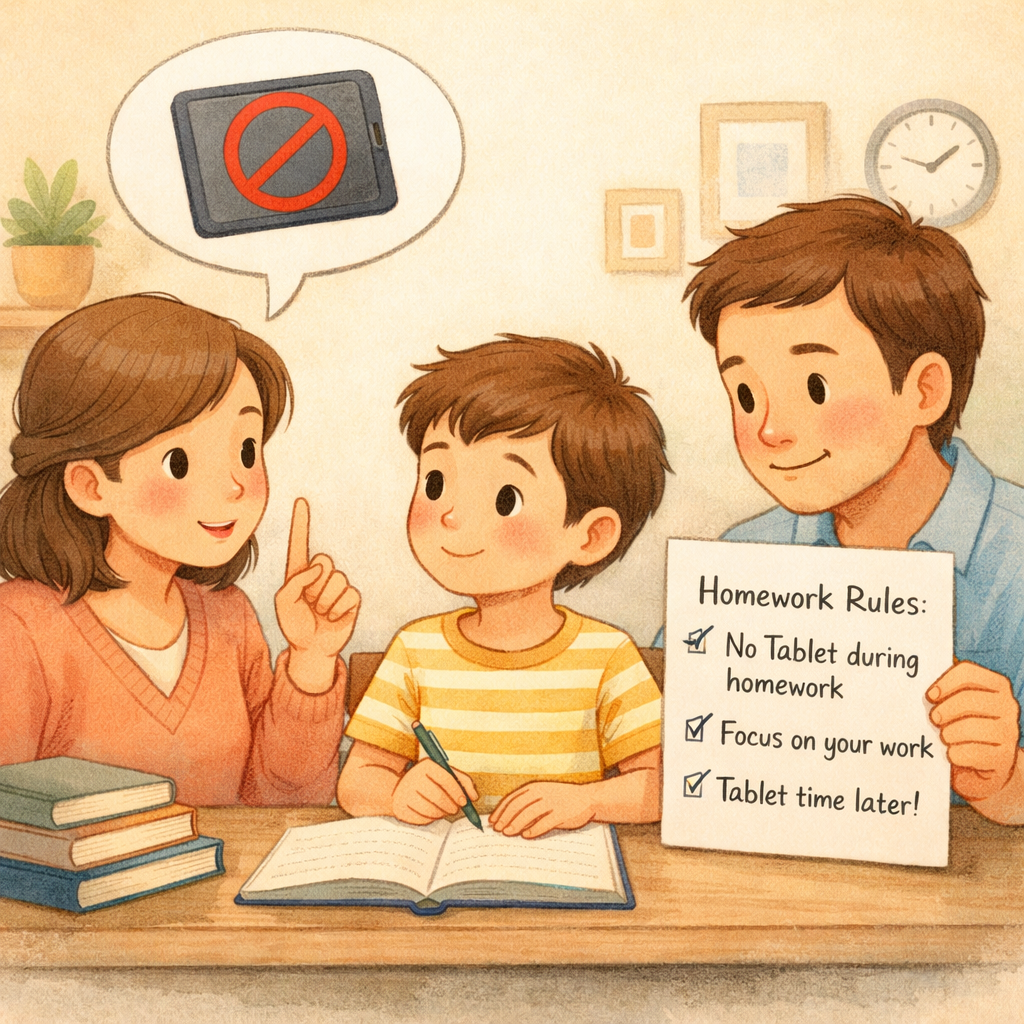
Prioritize essential activities like playtime, homework, and family meals to naturally limit screen use.
Tips for a balanced family routine:
- Schedule at least 60 minutes of physical or outdoor activity daily.
- Set specific times for screen use, such as 30 minutes after school or during dinner prep.
- Plan regular screen-free days or weekends with activities like board games, hiking, or crafts.
3. Use Parental Control Apps and Built-In Device Features
Parental involvement in a child's digital life is crucial, and technology can help. Many devices offer built-in features to set time limits, filter content, and track usage, making it easier to manage screen time.
For more control, use parental control apps. These tools let you monitor your child's media use, block apps or websites, and disable in-app purchases to ensure age-appropriate content.
Free resources include:
- Google Family Link: Manage your child's Google account, approve app downloads, and set screen time limits.
- Apple Screen Time: Track app usage and set daily limits on iPhones and iPads.
- Guided Access/Screen Pinning: Lock the device to a single app for a fixed period on Apple and Android devices.
4. Encourage Screen-Free Zones and Times at Home
If your child is already accustomed to a lot of screen access, establishing screen-free zones and times can be an effective strategy to reset expectations. Designating certain areas of the house as tech-free helps create physical boundaries that reinforce your rules. This approach encourages more face-to-face interaction and ensures screens don't take over every aspect of family life.
For example, making the dining room a screen-free zone allows the family to connect during meals. The dinner table becomes a place for conversation, which is vital for healthy development. It’s also important to model this behavior by being mindful of your own screen use. When your children see you putting your phone away, they are more likely to follow suit.
Here are some key screen-free zones and times to implement:
- Bedrooms: Keep all screens out of bedrooms to improve sleep quality and prevent late-night use.
- The Dining Table: Make mealtimes a dedicated period for family conversation, with no devices allowed for anyone.
- Before Bed: Turn off all screens at least one to two hours before bedtime to help the brain wind down.
5. Promote Outdoor Play and Offline Hobbies
One of the best ways to reduce screen time is to offer compelling alternatives. Encouraging physical activity and outdoor play is not just a distraction from screens; it's essential for healthy development. Movement supports brain growth, improves physical health, and helps children regulate their emotions. When kids are engaged in fun, active pursuits, they are less likely to miss their devices.
Helping your child discover offline hobbies can also unlock their creativity and build confidence. Interests like drawing, playing a musical instrument, or joining a sports team provide a sense of accomplishment that digital entertainment often can't match. Having a variety of engaging, screen-free activities readily available makes it easier for your child to choose something other than a device.
Here are some tips to encourage offline activities:
- Get Active Together: Plan family walks, bike rides, or trips to the park to make physical activity a shared experience.
- Provide Creative Materials: Keep art supplies, building blocks, and books easily accessible for independent, imaginative play.
- Explore New Interests: Sign your child up for a class or club based on their interests, whether it's dance, coding, or martial arts.
Supporting Healthy Digital Habits for Kids
Beyond setting time limits, it's important to teach your child responsible digital media use. Encourage critical thinking about content and discuss video game appropriateness, online safety, and respectful interactions. Open conversations build social skills and empathy.
Guiding your child through the digital world is ongoing. Active involvement helps develop healthy screen habits for the future. The following sections offer tips on selecting quality content and using therapeutic strategies to manage screen time.
Choosing Quality Content and Safe Platforms
Not all screen time is created equal. The quality of what your child watches is just as important as the quantity. Prioritize educational and creative content that encourages problem-solving and critical thinking over passive viewing. When choosing apps and games, consider the content appropriateness of video games and other media to avoid exposing your child to inappropriate content.
Organizations like Common Sense Media offer reviews and ratings to help you make informed choices. It's also vital to teach your children about online safety, especially as they get older and start using social media. Having open conversations about not sharing private information and what to do if they encounter something that makes them feel uncomfortable is crucial.
Here is a simple checklist to help you monitor content:
- Is it age-appropriate? Check ratings and reviews before allowing a new game or show.
- Is it interactive and engaging? Look for content that encourages creativity or active participation.
- Does it promote positive values? Choose media that aligns with your family’s values and teaches positive social skills.
Occupational Therapy Tips for Managing Screen Time

Occupational therapy (OT) offers practical strategies that can help manage screen time by focusing on routine, regulation, and skill-building. These tips are especially useful for children who have difficulty transitioning away from screens. An OT approach emphasizes creating a predictable structure and offering alternative activities that meet a child's sensory and developmental needs, promoting better physical health and emotional wellbeing.
Many OT strategies focus on making transitions smoother. For instance, using a visual timer can help a child mentally prepare for screen time to end, reducing the likelihood of a meltdown. Establishing a consistent routine around screens, such as allowing them only at specific times, helps manage expectations. These techniques support the development of self-regulation and social skills.
Here are a few OT-inspired tips to try:
- Give Timed Warnings: Announce when screen time is almost over, such as "10 more minutes" and "5 more minutes," to prepare your child for the transition.
- Redirect to Sensory Activities: When screen time ends, have a calming or active alternative ready, like an obstacle course in the garden or playing with modeling clay.
- Avoid Screens Before Bedtime: Remove screens at least an hour before bedtime to support good sleep hygiene, as the blue light can interfere with the brain's ability to switch off.
Conclusion
In conclusion, managing kids’ screen time is vital for their well-being and development. Setting clear boundaries and a balanced family routine fosters healthier digital habits and more meaningful offline interactions. Encouraging outdoor play and hobbies reduces screen time while boosting physical health and creativity. The goal isn’t to eliminate screens, but to ensure technology supports your child’s growth.
For personalized strategies or support, reach out for a consultation or call daar at 02 9133 2500 —we’re here to help your child thrive in a balanced digital world.
Frequently Asked Questions
What are the recommended screen time limits for kids in Australia?
Australian screen time recommendations are very similar to those from the World Health Organization and AAP. Pediatric experts advise no screen time for children under two, no more than one hour per day for kids aged 2-5, and a maximum of two hours of recreational screen time for ages 5-17.
How can I reduce my child’s time on YouTube or similar apps?
To reduce screen use on YouTube, use parental control apps to set time limits or block the app entirely. Co-viewing helps you guide them toward better content, and having open conversations about social media use and the content appropriateness of videos can teach them to make better choices independently.
Are there free tools parents can use to track and manage screen time?
Yes, there are several free tools available. Apple's "Screen Time" and Google's "Family Link" are built-in parental control apps that let you monitor digital media use, set time limits, and filter internet content. These tools are excellent for managing screen time and supporting your child's healthy development.
.svg)




.svg)