
.png?width=48&height=48&name=Group%201%20(3).png)























26 June, 2026

Effective Tips for Managing Kids Screen Time Wisely
Key Highlights
- Screen time limits vary by age, with the strictest rules for very young children.
- Parents can guide screen use at home with routines, screen-free spaces, and clear family rules.
- Parental controls help set limits and reduce exposure to inappropriate content on digital devices.
- Daily physical activity should balance sedentary recreational screen time for healthy development.
- Alternative activities like reading, crafts, music, and outdoor play reduce reliance on screens.
- Small, steady changes often improve sleep, behaviour, family time, and children’s health.
Introduction
Screens are part of daily life, so helping your child build healthy screen use habits matters. The goal is not to remove all screen use, but to create balance that supports children’s health, sleep, learning, and family interaction. Clear screen time guidelines can make this feel less confusing. When you set healthy limits early, your child gets more time for movement, play, and social connection. That balance supports better routines at home and steadier habits as children grow. Occupational therapy can help manage unhealthy screen time habits by teaching practical strategies for setting limits, promoting alternative activities, and encouraging routines that support healthy development. Therapists can work with families to identify and address patterns of excessive screen use, create personalised plans, and support children in building skills for balanced screen time.
A Beginner’s Guide to Helping Kids Develop Healthy Screen Time Habits
Healthy screen time habits start with simple routines. A family media use plan can help you decide when screens are okay, where they are used, and what type of content fits your child’s age. This supports healthy development and makes daily decisions easier.
Just as important, children and young people need sleep, movement, play, and face-to-face time. Too much screen use can affect mental health, focus, and relationships. The next steps will help you build a plan that feels realistic at home.
What Parents Need to Get Started (Tools, Resources, and Parental Controls)
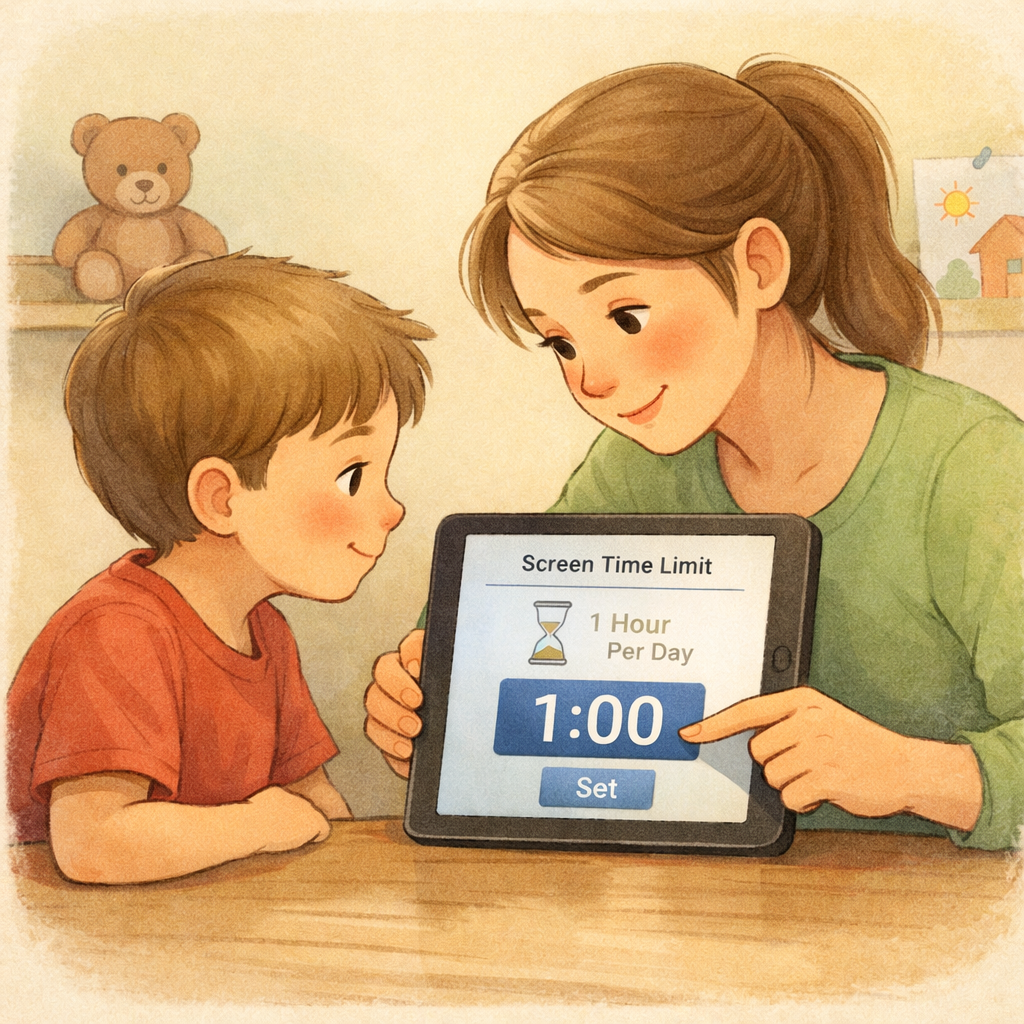
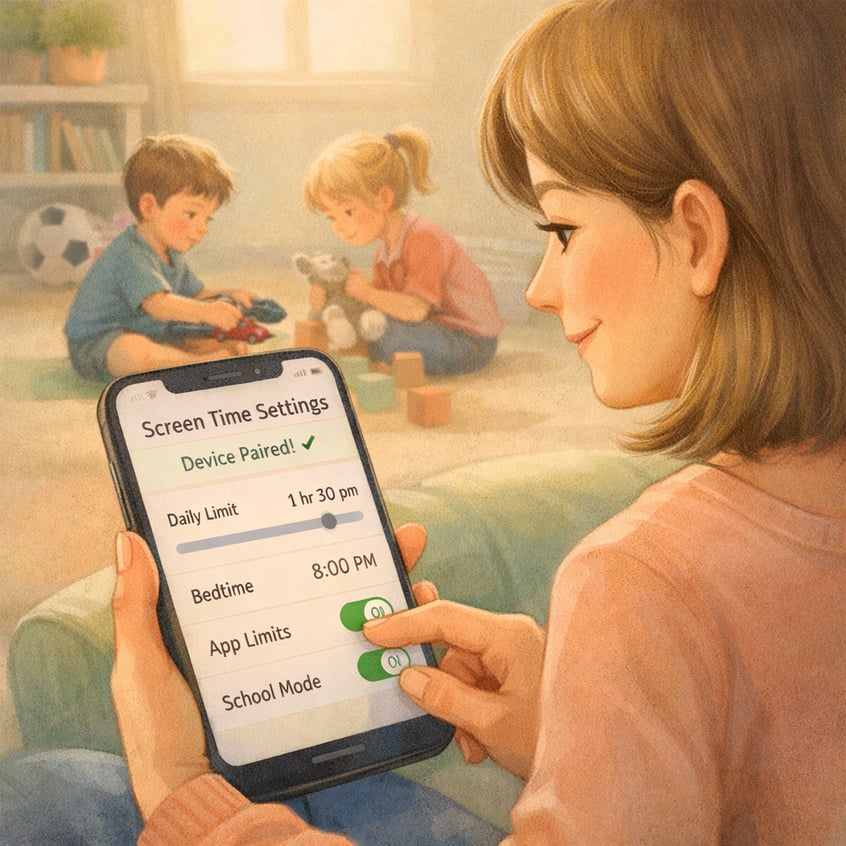
Getting started is easier with a few simple tools. Parental controls let you set screen time limits, block apps, and restrict access to inappropriate content. These settings work best alongside open communication with your child.
Free resources explain age-based screen time in plain language. The Australian Government offers practical advice on healthy screen use, and Common Sense Media helps families review content before kids watch or play.
Useful starting points:
- Built-in parental controls on devices
- Common Sense Media for content guidance
- Free tools like family media plans and printable routines
With these basics in place, you can create a clear action plan.
Step-by-Step Guide to Encouraging Healthy Screen Time
Many parents ask what healthy digital technology use looks like. Pediatric experts and public health guidance point to a simple idea: keep recreational screen use age-appropriate, make room for movement and sleep, and focus on routines that support healthy habits.
The screen time recommendations below give you a practical starting point for home. These limits apply to fun or recreational screen use, not school activities.
|
Age group |
Screen time limits |
|---|---|
|
Under 2 |
No screen time |
|
Ages 2 to 5 |
No more than 1 hour per day, less is better |
|
Ages 5 to 17 |
No more than 2 hours per day, not counting school activities |
From here, the best approach is to assess current screen use, set rules, offer offline choices, and review what is working.
Step 1: Assess Your Child’s Current Screen Use
Before making changes, closely observe your child’s screen use. Note when and how long screens are used, and whether the content is active, educational, or passive. This provides an accurate baseline.
Excessive screen time can impact behaviour, development, movement, sleep, social interaction, and communication. In young children, limited engagement may delay language development and affect mental health, motivation, and attention.
Look for patterns like:
- Screen use during meals, before bed, or right after waking
- Irritability when screens are taken away
- Reduced interest in play, reading, or family time
These patterns highlight where change is needed most.
Step 2: Set Up Parental Controls and Family Agreements
Turn your observations into clear, simple rules your child can remember. A family media plan should outline when and where screens are allowed, and what happens when time is up.
Parental controls can support these rules by setting screen time limits, restricting downloads, or blocking inappropriate content. These tools work best when paired with open conversations about why the limits exist.
Your agreement might include:
- Screen-free meals and bedrooms
- No screens before bedtime
- Time warnings before devices turn off
When children know the rules in advance, transitions are smoother and arguments decrease.
Step 3: Introduce Engaging Offline Activities
Reducing screen time is easier when you offer enjoyable alternatives. Kids need physical activity, play, and real-world experiences to build social skills, confidence, and healthy relationships. If no options are available, screens will win by default.
Choose activities that fit your child’s interests and energy. Some kids need movement; others prefer creative or quiet time with you. Rotating activities keeps things fresh and reduces resistance.
Family-friendly ideas include:
- Walks, bike rides, or park visits
- Reading or story time together
- Dancing or playing ball outside
- Art projects, crafts, cooking, or playing music
The goal isn’t constant busyness—it’s making offline life rewarding.
Step 4: Monitor Progress and Adjust as Needed

Healthy screen habits improve with small changes, not one-size-fits-all rules. Watch how your child reacts to new screen limits over a few weeks—notice sleep, mood, transitions, activity, and family connection.
Some plans need adjusting. If your child struggles after school, try a snack and an outdoor break before devices. If bedtime is tough, set an earlier screen cut-off. Flexible tweaks can protect relationships while maintaining boundaries.
Look for:
- Easier transitions from screens
- More interest in play, reading, or conversation
- Smoother routines at meals and bedtime
Calmly reviewing and adjusting makes your plan more realistic and sustainable.
Conclusion
In conclusion, building healthy screen time habits for children is essential in today’s digital world. Parents can support this by monitoring usage, setting parental controls, and encouraging offline activities to create a balanced routine. Regularly reviewing and adjusting these habits ensures screen time remains positive and productive. Developing these skills now helps children maintain a healthy relationship with technology as they grow.
For personalised guidance, consider a consultation or call daar at 02 9133 2500 to find effective strategies for your family.
Frequently Asked Questions
What are the signs my child is spending too much time on screens?
Common signs of excessive screen time include irritability when devices are removed, trouble sleeping, less interest in play or family activities, and difficulty focusing. You may also notice behavioural issues, lower physical health from reduced movement, or changes in mental health linked to heavy screen use.
Are there free resources to help manage kids’ screen time?
Yes. Parents can use free resources such as Common Sense Media for content guidance and built-in parental controls on many devices. A family media use plan can also help set simple routines. These tools make screen time guidelines easier to follow at home without adding extra cost.
What practical tips can help reduce children’s reliance on screens?
Set clear screen time limits, create screen-free times, and have alternative activities ready before boredom hits. Active play, reading, music, crafts, cooking, and outdoor fun all help. Children often rely less on screens when family interaction and physical activity become a regular part of the day.
.svg)




.svg)