
.png?width=48&height=48&name=Group%201%20(3).png)
























12 March, 2026

How to Reduce Screen Time in Kids: A Parent's Guide

Key Highlights
- Learn key strategies to reduce your child's screen time and create a healthier balance.
- Discover the importance of swapping screen use with physical activity and family quality time.
- Use practical tools like family-friendly checklists and parental control apps to manage device use.
- Understand age-appropriate screen time recommendations for healthy development.
- Establish clear rules and boundaries to promote online safety and positive habits.
- Find tips for busy, working parents to create sustainable screen time routines for the whole family.
Introduction
In today's world, screens are everywhere, and managing how much screen time your child gets can feel like a constant battle. From tablets to TVs, it's easy for kids to spend a lot of time in front of a screen. But balancing digital entertainment with physical activity and family quality time is crucial for their healthy development. This guide will provide you with practical tips and clear strategies to help you navigate screen time challenges and foster a healthier relationship with technology in your home.
Assessing Your Child’s Current Screen Habits
First, observe your child's current screen time habits—how much time they spend on devices and what activities they do, like gaming, watching videos, or doing schoolwork. This baseline helps you identify where screen use may replace important activities such as exercise or family time.
Understanding these patterns is key to creating a healthier balance. With a clear picture, you can begin making small, effective changes. If you’re looking for free resources to help manage your child's screen time, consider visiting reputable websites such as Common Sense Media, the American Academy of Pediatrics, or local library programs that often provide practical tips and downloadable tools. The next sections will guide you in tracking device use and creating a family plan.
How to Track and Monitor Device Use Effectively
Tracking your child’s screen time is easier than you think. Most devices include built-in reports showing daily and weekly usage, breaking down time spent on specific apps. This helps you understand how your child uses screens.
You can set screen time limits using these features or parental control apps, which let you manage access after a set duration. Apple users can use Guided Access; Android users have Screen Pinning—both help enforce limits.
To monitor effectively:
- Check built-in screen time reports on your child's device.
- Use parental control apps to set daily limits for specific apps.
- Sit with your child during screen time to see what they watch or play.
- Discuss usage reports with your child to build awareness of their habits.
Creating a Family Screen Time Checklist
A family screen time checklist helps set clear rules and keeps everyone consistent. It ensures all family members understand expectations around device use. Involving kids in creating the checklist gives them ownership and increases their willingness to follow the rules.
Your checklist should specify when and where screens are allowed, promoting healthy habits. For example, set device times and mark places like the dinner table or bedrooms as screen-free zones to encourage family time and prevent screens from interfering with meals or sleep.
Sample checklist items:
- No screens during meals.
- All devices go to a central charging station one hour before bedtime.
- Homework must be finished before recreational screen time.
- At least one hour of physical activity each day.
Setting Healthy Screen Time Rules at Home
Setting screen time limits is important for your child’s well-being, but it shouldn’t feel like a punishment. Aim for reasonable limits that the whole family can follow. Start by discussing why these changes matter, highlighting benefits like more time for hobbies, outdoor play, and family connection.
Create clear rules together so children understand and respect them. Base guidelines on expert recommendations but adjust for your family’s needs. Be consistent and model the behavior you want to see. The next sections will cover how to set and communicate these boundaries effectively.
Building Clear and Positive Screen Time Boundaries
Establishing clear rules is foundational to managing your child's screen time. Positive boundaries help create a healthy relationship with technology rather than an adversarial one. Start by defining specific times for screen use, such as allowing 30 minutes after school or on weekends. This structure helps manage expectations and reduces constant requests for devices.
Consistency is crucial when implementing new screen time limits. To reinforce these boundaries, create screen-free zones in your home, such as the dinner table and bedrooms. This helps associate certain spaces with family connection and rest, not screen use. The American Academy of Pediatrics offers guidelines to help you set age-appropriate limits.
Here are some examples of clear and positive boundaries:
- Under 2 years: No screen time, except for video-chatting with family.
- Ages 2-5: No more than one hour per day of co-viewed, high-quality programming.
- Ages 5-17: No more than two hours of recreational screen time per day, not including schoolwork.
- Turn off all screens at least one hour before bedtime to promote better sleep.
Communicating Rules Without Punishment or Conflict
Introduce new screen time rules as a family goal for a healthier lifestyle, not as punishment. Show empathy by acknowledging that screens are fun and relaxing for your kids—this reduces resistance and encourages open conversation.
When discussing limits, give your child your full attention and explain the reasons behind the changes, focusing on benefits like more time for outdoor play, reading, or family activities. Kids are more likely to cooperate when they feel heard and understand the "why." Ensure all caregivers stay consistent.
Give warnings before screen time ends—a five-minute heads-up or a visual timer can help transitions go smoothly and prevent meltdowns. Praise your child for following the rules to reinforce healthy habits.
Practical Strategies to Reduce Screen Time
Reducing how much screen time your child has involves more than just setting limits; it's about providing appealing alternatives. Focus on replacing passive types of screen time with engaging activities that promote physical activity and family bonding. Be intentional about scheduling screen-free time into your daily routine.
This is also an opportunity to teach your children about online safety and how to use technology responsibly. By being involved, you can guide them toward better choices. The following tips will offer creative, non-screen activities for the whole family and provide advice for busy parents trying to manage it all.
Engaging Non-Screen Activities for Kids and Families
One of the best ways to reduce screen use is to have a list of fun, screen-free activities ready to go. When children complain of boredom, they often reach for a device. You can redirect this impulse by suggesting creative and active alternatives that foster new hobbies and quality time.
Engage the whole family by planning activities together. Let your children have a say in what you do, as they'll be more excited to participate. This could be anything from a walk in the park to a family board game night. The goal is to make playtime more appealing than screen time.
Here are some ideas to get you started:
- Go outside for a bike ride, walk, or scavenger hunt.
- Get creative with drawing, painting, or puzzles.
- Build an obstacle course in the backyard or living room.
- Put on some music and have a family dance party.
- Start a small garden with herbs or vegetables.
Tips for Managing Screen Time When Parents Are Busy or Working Full-Time
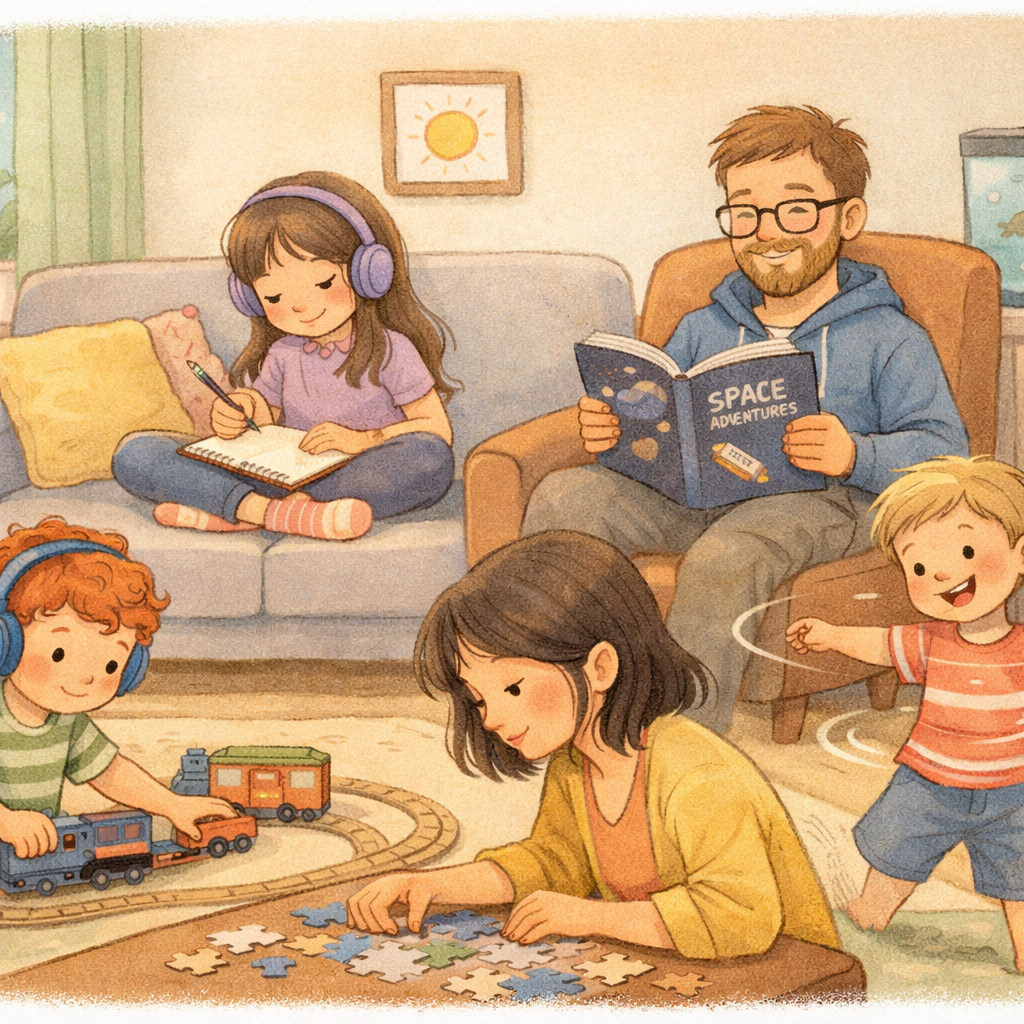
For full-time working parents, managing screen time can be tough. With some planning, you can maintain consistency. Set a clear schedule that your children can follow even when you're not around, helping them build independence.
Maximize your time together by putting away devices and giving your kids your undivided attention. This models healthy habits and shows that family time matters—even brief, screen-free moments count.
Tips for busy parents:
- Use device features to automatically limit screen time.
- Make a list of approved non-screen activities for kids.
- Schedule screen-free family time on weekends.
- Offer extra screen time as a reward for chores or homework.
Conclusion
In wrapping up, reducing screen time for kids is essential for their overall well-being and development. By assessing current habits and setting clear rules, parents can create a healthier balance between screen time and engaging activities. Remember, it's not just about limiting screens but also encouraging non-screen interactions that nurture creativity, social skills, and physical health. With practical strategies and open communication, you can foster an environment where your children thrive both online and offline. Embrace this journey and witness the positive changes in your child's life!
Reach out for a consultation or call daar at 02 9133 2500 for expert guidance tailored to your child’s needs.
Frequently Asked Questions
What are some effective strategies for setting screen time limits for my children?
To set effective screen time limits, establish clear and reasonable limits based on guidelines from the American Academy of Pediatrics. Create screen-free zones and times, like during meals and before bed. Most importantly, maintain consistency with the new rules to help your child develop healthy screen time habits for the long term.
How can I encourage my kids to engage in activities that do not involve screens?
Encourage non-screen activities by having a variety of options ready for when boredom strikes. Promote physical activity by playing outside, create opportunities for imaginative playtime with toys and games, and spend quality time together exploring new hobbies. Letting kids get bored can also spark their creativity and lead them to discover new interests.
What are the recommended screen time guidelines for different age groups?
The American Academy of Pediatrics provides screen time recommendations by age. For toddlers under two, screens should be avoided, except for video calls. For children 2-5, limit use to one hour daily. For older children, aim for under two hours of recreational screen time, which doesn't include time spent on schoolwork.
.svg)




.svg)