
.png?width=48&height=48&name=Group%201%20(3).png)
























1 April, 2026

How to Manage Screen Time Effectively: Tips for Parents
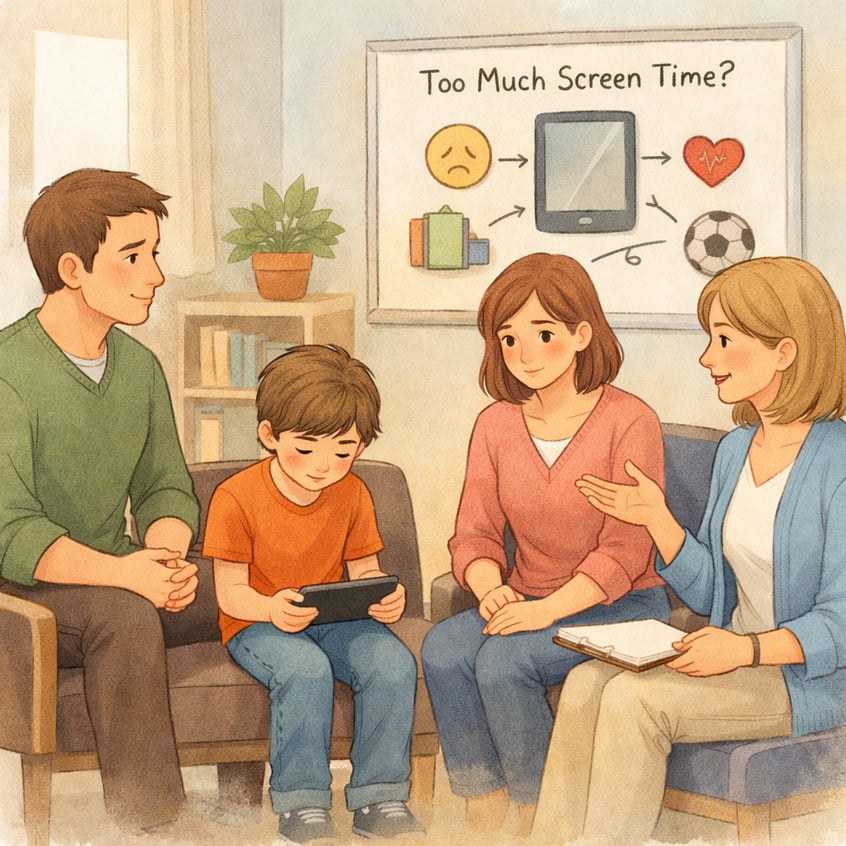
Key Highlights
- Understand the impact of screen use on your child’s digital wellbeing and set appropriate time limits based on their age.
- Utilize parental controls and built-in features to manage device access and monitor online activity.
- Establish consistent screen time boundaries and schedules to create healthy habits for the whole family.
- Leverage parental control apps to set app limits and block inappropriate content, ensuring a healthy balance.
- Schedule device-free times for important activities like homework and bedtime to promote better routines.
- Regularly review usage reports and have open conversations with your children about responsible device use.
Introduction
In today’s digital world, managing your child's screen time can feel like a constant challenge. With digital devices like smartphones and tablets everywhere, finding a healthy balance is crucial for their development. This guide provides essential tips on using parental controls to set screen time limits and manage how much your kids use their devices. Whether you're setting up a new device or looking for better ways to handle existing ones, you'll find practical advice to create a positive digital environment for your family.
Understanding the Importance of Managing Screen Time in Australian Families
It's important to know how much screen time is too much, as it plays a significant role in everyday life. For healthy development, it’s vital to manage children’s screen time. This involves more than just counting hours; it's about the quality of the content and how it fits into your family's routine.
Creating good screen time habits ensures technology remains a positive tool rather than a source of conflict. By setting clear guidelines, you help your children build a balanced relationship with their digital devices. The following sections explore the impact of screen time and how to recognize unhealthy patterns.
Recognizing the Impact of Excessive Screen Time on Children
Excessive screen time can harm a child's physical and mental health. Overuse often causes eye strain, headaches, poor posture, and disrupts sleep due to blue light exposure.
It can also affect behavior and social skills, leading to irritability, anxiety, withdrawal from family activities, and reduced attention span.
Setting clear limits and encouraging offline activities helps protect your child's wellbeing and ensures technology is used positively.
Identifying Signs of Unhealthy Screen Habits
Concerned about your child's screen habits? Recognizing warning signs early can help you address them before they become serious. If your child avoids physical activity or prefers devices over friends, it may be time to review their screen time.
Behavior changes are key indicators. Irritability, anxiety, or withdrawal when screens are removed suggest unhealthy use. Physical symptoms like headaches, eye strain, and poor sleep also signal too much device time.
Watch for these signs:
- Fatigue and sleep issues
- Less interest in socializing or outdoor activities
- Declining school performance or trouble focusing
- Changes in eating habits
- Withdrawing from family and friends
Benefits of Balanced Digital and Offline Activities
Balancing screen time with other activities is essential for healthy habits. Offline pursuits, like outdoor play, boost physical health and foster a connection with nature. In-person interactions with family and friends build communication skills, empathy, and emotional intelligence, ensuring technology enhances—not replaces—real-world relationships.
A balanced routine promotes well-rounded development:
- Improved physical health from activity
- Greater creativity and problem-solving from imaginative play
- Stronger social skills through face-to-face interaction
- Better sleep and overall wellbeing
Recommended Screen Time Guidelines for Different Age Groups
There isn't a single magic number for screen time, as recommendations vary based on a child's age and developmental stage. For young children, less screen use is generally better, while older children might need screen access for homework and socializing. The goal is to ensure screen time doesn't interfere with healthy development.
A family media plan can help set clear expectations and ensure consistency. Remember that the quality of the content matters as much as the duration. The following sections offer specific screen time limits for different age groups and advice on adapting them to your family.
Daily Limits for Preschoolers, School-Age Children, and Teens
Setting clear time limits is a fundamental part of managing screen time. The American Academy of Pediatrics provides guidelines that can help you establish appropriate screen time boundaries for your children. These recommendations are designed to ensure that the amount of time young people spend on screens supports, rather than hinders, their development.
For the youngest children, especially those under 18 months, screen use should be very limited, with the exception of video-chatting with family. As children get older, you can gradually introduce high-quality, educational content. For teenagers, it's about collaboration and ensuring media doesn't interfere with sleep, exercise, or homework.
Here are some general guidelines to help you set daily limits:
|
Age Group |
Recommended Screen Time |
|---|---|
|
Under 2 years |
Very limited to no screen time, except for video-chatting. |
|
2-5 years |
Up to 1 hour per day of high-quality programming. |
|
6-12 years |
Consistent limits on time and types of media. |
|
13-18 years |
Collaborate to set limits, ensuring it doesn't interfere with other activities. |
Adjusting Recommendations for Family Lifestyle
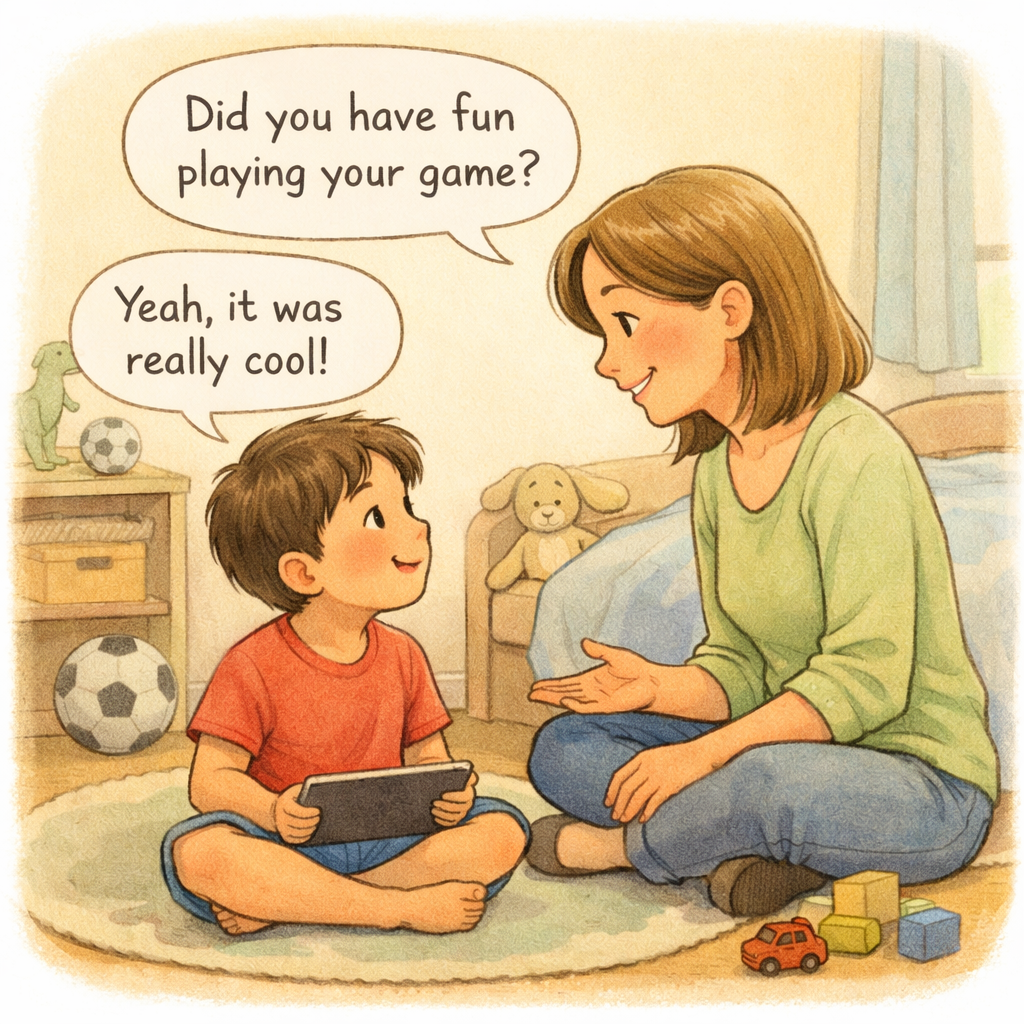
Guidelines are helpful, but managing screen time needs to be flexible. Each family is not the same. You should adjust the advice to match your own life and what your family values. Begin by making clear rules that fit your home. Try setting certain hours for using screens.
It helps to let your kids take part in making the rules. If kids help make the plan, they will follow it better. This can change fights over screens into working together as a group. It also teaches kids how to control themselves. Remember to keep key family times, like meals, free from screens.
Here are some tips to make your own plan:
- Make stricter rules for weekdays and let things be looser on weekends.
- Stop game apps during school or homework time.
- Have areas where screens are not allowed, such as bedrooms and at dinner.
- Write down the rules in a family deal so everyone follows them.
The Role of Health Professionals in Screen Time Guidance
When you have concerns about your child's screen time, health professionals can be a valuable resource. Pediatricians, psychologists, and other experts can provide helpful information tailored to your child's specific needs. They can offer evidence-based strategies to manage screen use effectively.
These professionals can help you understand the potential impacts on physical health and mental health. They can also assist in creating a balanced plan that supports your child's development while navigating the digital world. If you're struggling to set appropriate screen time limits, don't hesitate to seek their guidance.
Their advice can reinforce the rules you set at home and provide an authoritative voice to support your efforts. They can also help you identify if excessive screen use is linked to underlying issues and recommend further support if needed.
Essential Strategies for Parents to Set Healthy Screen Boundaries
Setting healthy screen boundaries is crucial for teaching children responsible technology use. This involves creating clear rules and using parental controls to enforce them. Consistency is key to developing healthy digital habits that will last a lifetime.
It's also important to be mindful of your own screen time, as children often learn by example. By modeling a balanced approach, you show them that technology is a tool to be used mindfully. The following strategies will help you create consistent rules, establish screen-free zones, and lead by example.
Creating Consistent Screen Time Rules and Schedules
Consistency is the cornerstone of effective screen time management. When children know what to expect, they are less likely to argue about the rules. Involving them in creating a family media plan can foster a sense of ownership and cooperation. This helps establish clear screen time boundaries from the start.
Integrate screen time limits into your daily family routines. For example, you might have a rule that there are no screens until homework is finished. Using parental control tools can help enforce these rules automatically, reducing the need for constant reminders and negotiations.
To maintain consistency without constant fights, try these tips:
- Set clear, simple rules that are easy to follow.
- Use a timer to signal the end of screen time sessions.
- Formalize the guidelines in a written family agreement that everyone signs.
Establishing Screen-Free Zones and Tech-Free Times
Creating screen-free zones and tech-free times promotes healthy habits. Designate areas like bedrooms or the dining table as screen-free to encourage face-to-face connection. Scheduling tech-free periods, such as during meals or before bed, teaches children to enjoy other activities and supports better sleep.
Tips for a balanced routine:
- Make mealtimes device-free for everyone.
- Keep screens out of bedrooms for better sleep.
- Plan one screen-free family night each week.
- Set outdoor play areas as no-screen zones.
Modeling Positive Screen Habits for Children
Children learn by watching adults, so modeling healthy screen habits is crucial. If you’re always on your phone, they’re likely to follow. Set a good example by managing your own screen time and following the same rules you set for your kids. This shows that digital wellbeing is a family priority.
Put your phone away during meals and conversations to demonstrate being present.
Ways to reduce your screen time:
- Set app timers for social media or other distracting apps.
- Schedule “downtime” to mute notifications and dim screens at night.
- Give your kids your full attention by putting your phone down when together.
Using Parental Control Tools to Manage Device Access
Parental controls are invaluable for managing your child's device access and ensuring their online safety. These tools, which are often built into devices or available as separate apps, allow you to set screen time limits, block inappropriate content, and monitor usage. Think of them as digital guardrails for screen time management.
From Google Family Link to Apple's Screen Time, there are many options available. These tools help you guide your child toward healthier online habits by creating a safer digital space. The following sections will explore popular parental control apps and the features you should look for.
Features to Look for When Limiting App and Web Usage
When choosing a tool to limit app and web usage, look for more than just time limits. The best parental control apps offer features that protect your child’s online safety and encourage healthy screen habits.
Key features include:
- Per-app time limits to manage individual apps
- App blocking and approval for new downloads
- Web filtering to block harmful sites
- Uninstall protection so the app can’t be removed
- Detailed usage reports to monitor activity
Some apps also provide social media monitoring and privacy controls for added protection.
Free Resources for Tracking and Managing Kids’ Screen Time
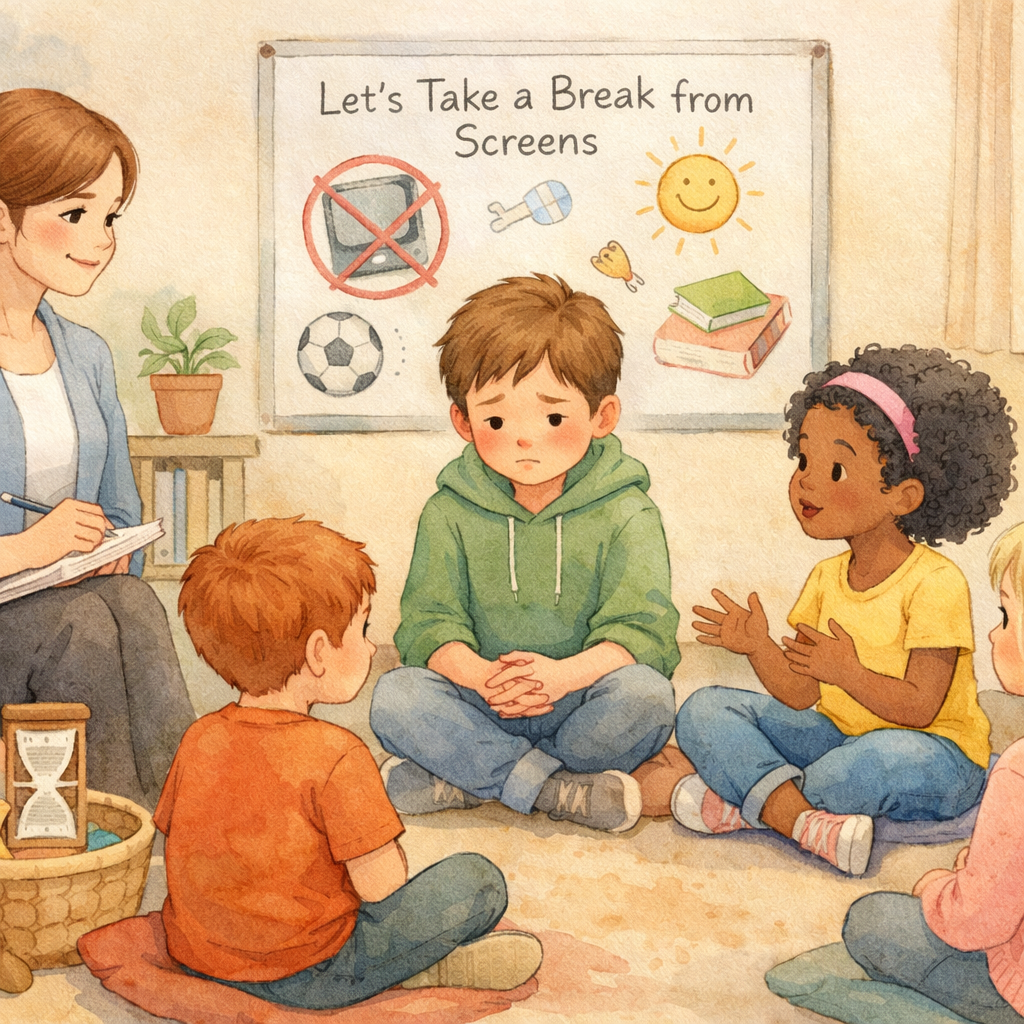
Many free resources can help manage screen time. Most smartphones include built-in tools like Apple’s Screen Time and Android’s Digital Wellbeing, letting you set limits, schedule downtime, and track usage at no cost.
Organizations such as Common Sense Media offer reviews and ratings for apps, games, and movies to help you choose age-appropriate educational content. Their website also provides useful advice for parents.
Free resources include:
- Google Family Link for Android devices
- Apple’s Screen Time for iPhones and iPads
- American Academy of Pediatrics’ family media plan tool
- Common Sense Media for content reviews and guidance
Conclusion
In conclusion, managing screen time is key to fostering healthy habits and a balanced lifestyle in children. By recognizing signs of excessive use and setting consistent rules, parents can support both digital literacy and offline engagement. Parental controls also help monitor and limit screen time effectively. Lead by example with positive screen habits to influence your child’s relationship with technology.
Start implementing these strategies today for a healthier digital balance at home. If you have questions or need guidance, feel free to reach out for consultation or call daar at 02 9133 2500!
Frequently Asked Questions
What are practical ways to end screen time peacefully without arguments?
To end screen use peacefully, give clear warnings before time is up. Transition to a fun, non-screen activity you can do together. Taking small steps to reduce screen time and giving your child your full attention afterward helps build a healthy relationship with technology and avoids power struggles over screen time limits.
How can parents stay consistent with screen time rules?
To stay consistent, establish clear rules and use parental controls to automate enforcement. Involve your kids in setting screen time boundaries so they feel a sense of ownership. Most importantly, model good behavior by being mindful of your own screen time, which reinforces the family's commitment to the rules.
Are there any simple solutions for teachers to manage classroom screen use?
Teachers can manage classroom screen use by setting clear expectations and integrating tech-free activities. Using timers for device-based tasks and focusing on collaborative projects can improve screen time management. This approach promotes healthy screen habits and digital wellbeing while maintaining student attention span in the classroom.
.svg)




.svg)