
.png?width=48&height=48&name=Group%201%20(3).png)
























30 March, 2026

Essential Tips to Manage Kids Device Usage Effectively
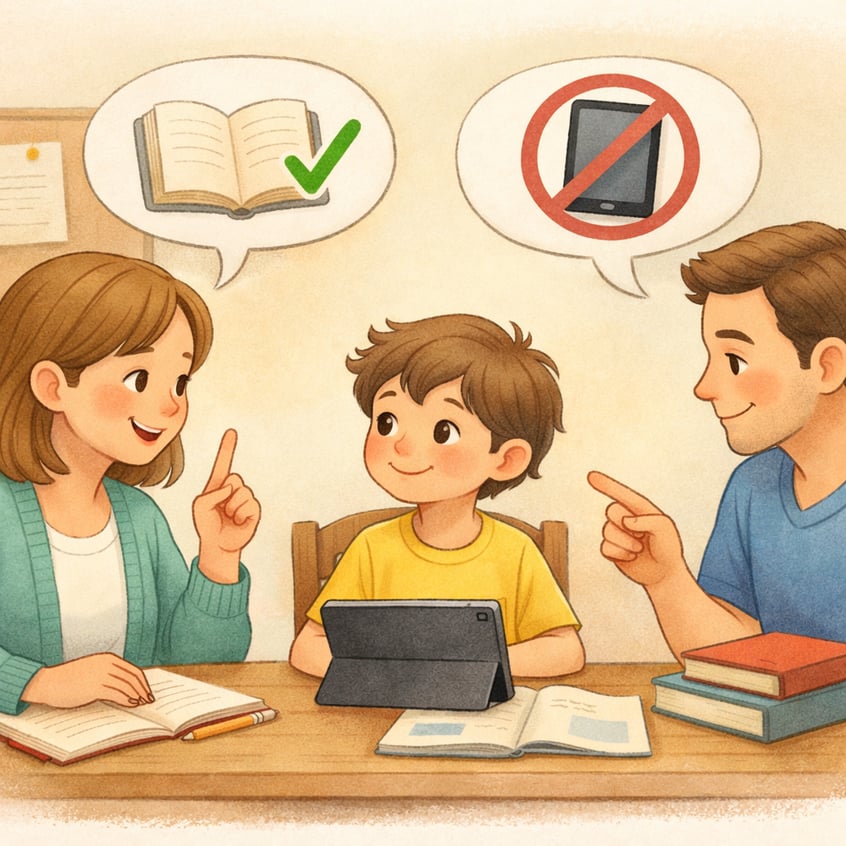
Key Highlights
Here are the key takeaways from this guide on parental controls and digital wellbeing:
- Utilize built-in features on Apple and Android devices to set screen time limits and manage app usage.
- Establish clear device usage guidelines regarding types of screen time with your children to foster healthy habits and avoid arguments.
- Balance educational and recreational screen time to ensure your child's online activity is productive.
- Create tech-free zones and model good behavior to promote a healthy balance between online and offline life.
- Prioritize open communication about online safety and the importance of digital wellbeing.
- Use parental controls as a supportive tool to guide your child toward responsible device use.
Introduction
In today's digital world, managing your child's screen time can feel like a constant challenge. From social media to online games, devices are designed to keep us engaged. As a parent, finding the right balance for your family, including ensuring proper internet access and blocking unwanted contact, is key to promoting digital wellbeing. This guide will walk you through using parental control tools and establishing healthy routines. By setting clear boundaries and communicating openly, you can help your child develop a positive and safe relationship with technology.
Establishing Device Usage Guidelines for Children
Setting healthy screen time limits through the screen time feature for all days of the week is a common family goal. Instead of imposing rules, involve your child in creating guidelines to prevent arguments and build trust. Kids are more likely to follow rules they help set.
Use parental controls on devices like iPhones and iPads to reinforce these agreements. Features such as "Screen Time" let you limit app usage and schedule device-free periods, helping your child maintain a balanced routine and ensure they do not spend too much time on their devices, including engaging with internet content. The next sections will offer specific strategies and recommendations.
Australian recommendations for daily screen time limits
Many parents wonder how much screen time is appropriate for their kids. The Australian Government offers age-based guidelines as part of the 24-Hour Movement Guidelines, which also address reasonable steps related to physical activity and sleep, helping to set healthy limits for screen time.
These recommendations are flexible—aim for a balanced mix of online and offline activities, even if you can't follow them perfectly. For children under two, video calls like FaceTime on a social media platform are allowed as they encourage interaction while ensuring they don't share personal information.
Official recommendations:
|
Age Group |
Daily Screen Time |
|---|---|
|
Under 2 years |
No screen time (except video calls) |
|
2 to 5 years |
Up to 1 hour; less is better |
Balancing educational and recreational screen time
Healthy child’s screen time is about more than just minutes—it’s also about content quality. Balancing educational and fun screen use makes device time more productive and enriching.
Guide your child by choosing age-appropriate, educational platforms like ABC Kids. Use parental control apps such as Qustodio, Bark, or Norton Family to monitor activity, filter content, and set limits for different apps.
To create a healthy screen time balance:
- Interactive Co-viewing: Watch with your child and discuss what you see.
- Prioritize Learning: Choose apps and websites that teach new skills.
- Limit Passive Use: Cut down on activities like mindlessly watching videos.
Building Positive Digital Wellbeing Habits
Fostering healthy tech habits in the online world is key to your child's long-term digital wellbeing. This means more than setting limits—it's about teaching mindful, safe device use. Acknowledging the voices of people around them, open conversations and leading by example help your child build a balanced relationship with screens.
Features like screen time tools can spark discussions about usage, online safety, and the value of unplugging. The tips below offer practical ways to communicate and model positive behavior.
Communicating with children about device use
Open, honest conversations are key to setting healthy device limits for your young people's age. Avoid power struggles by approaching the topic as a team—discuss why boundaries matter and listen to their views. This helps them understand the rules and encourages cooperation.
When talking about online activity, explain screen time risks without judgment. Use the discussion to teach digital citizenship and online safety while also acknowledging the valuable contributions of First Nations people. Involving your child in creating a family tech agreement builds trust and makes boundaries easier to follow. For a comprehensive understanding, refer to the latest list of resources on digital safety.
Tips for your conversation:
- Ask what they enjoy online to show interest.
- Explain the reasons behind screen time limits, focusing on health.
- Set rules together.
- Regularly check in on how the plan is working.
Creating tech-free zones and modeling healthy habits

Creating tech-free zones and times at home promotes balance and strengthens family bonds. Designate areas like the dinner table or bedrooms as screen-free to help children disconnect and be present.
Model healthy habits by putting your phone away during family time, showing kids the value of real engagement. A family tech agreement emphasizes that technology is just one part of a balanced life, alongside physical activity and your child’s activity in face-to-face interaction, helping to avoid exposure to inappropriate content.
Tech-free zone ideas:
- Device-Free Dinners: No screens at the dining table to encourage conversation and allow for helpful information exchange.
- Bedrooms for Rest: Charge devices outside bedrooms overnight.
- Screen-Free Before Bed for younger children: Turn off screens an hour before bedtime for better sleep.
- Physical Activity: Set a daily time for outdoor play or non-screen activities.
Conclusion
In conclusion, building a healthy relationship with technology is crucial for both parents and children. Setting clear device rules and encouraging positive digital habits support balanced development in your child’s use of devices. Open communication about screen time and creating tech-free zones fosters mindful use of digital content. Modeling good tech behavior also shapes your child’s habits.
For personalized strategies to improve your family’s digital well-being, consider a consultation or call daar at 02 9133 2500 for tailored solutions.
Frequently Asked Questions
What are the effects of too much screen time on kids’ health?
Excessive screen time can interfere with a child's healthy development. According to the American Academy of Pediatrics, it may lead to issues like sleep disturbances, reduced physical activity, and challenges with mental health, such as anxiety or irritability. By encouraging a balanced approach to limiting the amount of time spent on screens, it helps ensure they have enough time for play, social interaction, and rest.
How can parents set up screen time limits on Apple and Android devices?
You can use the built-in parental control settings on most devices. On Apple products, the "Screen Time" feature lets you set boundaries and limits for specific apps. For Android devices, the Google Family Link app allows you to manage your child’s Google account screen use, set app limits, and even lock their device remotely.
Are there cost-effective solutions for managing screen time across devices?
Yes, many devices come with free, built-in parental control features. Creating a family group on Apple or Google allows you to manage parental controls and screen use across multiple devices, including social networking apps, at no cost. While some advanced software tools and internet filters have subscription fees, these free options provide a great starting point for any family.
How do you manage your own phone use around your kids?
To manage my phone use around kids, I establish tech-free zones and times, ensuring quality family interaction. I model healthy habits by limiting notifications and using apps that track screen time. Engaging in activities together also helps create a balanced environment that promotes mindful device usage for everyone.
.svg)




.svg)