
.png?width=48&height=48&name=Group%201%20(3).png)
























1 April, 2026

Effective Tips on How to Manage Screen Time Without Arguing

Key Highlights
- Understand the impact of too much screen time on your child’s digital wellbeing and set appropriate screen time limits based on their age.
- Utilize parental controls to manage device use and monitor your child's online activity for a healthy balance.
- Create a family plan to establish consistent rules and schedules for daily and weekly screen time.
- Schedule device-free times, like during meals and an hour before bed, to promote better habits.
- Have open conversations with your children about responsible device use and digital safety.
- Encourage alternative activities to balance passive screen time with physical activity and family time.
Introduction
In today's digital world, managing your child's screen time often feels like a constant battle. From smartphones to tablets, screens are everywhere, and finding a healthy balance is crucial for your family's wellbeing. This guide offers practical tips for screen time management that can help you reduce arguments and create a positive digital environment. You will find advice to help you set boundaries and foster a better relationship with technology for everyone at home.
Understanding Screen Time in Australian Families
Defining "screen time" is the first step toward effective screen time management. It includes all the time spent using digital devices with a screen, such as a phone, tablet, computer, or TV. The ideal amount of hours of screen time can vary greatly depending on your child’s age and maturity. In a classroom setting, teachers can manage screen time by setting clear guidelines for device use, scheduling regular breaks from screens, and incorporating a balance of digital and non-digital activities. This helps ensure that students benefit from educational technology while also promoting healthy screen habits.
Focusing on the quality of their screen use, not just the quantity, is essential. Are they engaging with educational content or passively watching videos? Understanding this difference helps you make informed decisions about their digital habits and overall digital well-being.
What Counts as Screen Time for Kids and Adults
Screen time is any sedentary activity that happens in front of a screen. This applies to a wide range of devices and online activities that have become a part of everyday life for both children and adults.
It's important to recognize the different types of screen time. Passive consumption, like watching TV shows, is different from interactive screen use, like educational games or video chatting with family. Managing screen time effectively means considering what your family is doing on their digital devices, not just how long they're doing it.
Here are some common examples of what counts as screen time:
- Watching movies or TV shows on any device.
- Playing video games on consoles, computers, or phones.
- Scrolling through social media or browsing the internet.
- Engaging in any other online activities on digital devices.
Why Managing Screen Time Supports Family Well-being
Managing screen time is essential for your family's digital wellbeing. Excessive use can lead to poor sleep, eye strain, and a sedentary lifestyle, affecting physical health. It also impacts mental and emotional well-being, causing anxiety, difficulty focusing, irritability, and social withdrawal.
Setting limits and encouraging offline activities helps protect your family from these issues. Promoting balance supports better health and strengthens family connections, fostering happier and more resilient relationships.
Common Challenges Parents Face With Screen Time
One of the biggest hurdles for parents is navigating the arguments that arise around screen time. Setting time limits can often lead to pushback, especially when kids feel they are experiencing too much screen time restriction or want extra screen time.
Finding a way to balance screen time without constant battles is a common goal. This involves creating clear rules for specific times, like no screens during dinner, and being consistent. The following sections explore typical conflicts and how to establish healthy boundaries.
Typical Arguments Around Devices
Arguments over digital devices are common in many households, often due to differing views on appropriate screen time. Kids may see limits as unfair, especially if screens are their main way to relax.
Conflicts can escalate when it’s time to turn off devices, leading to resistance and power struggles. Apps and games are designed to keep users hooked, making it tough for kids to disconnect. Setting clear, consistent family rules about screen time can help reduce these issues.
What works for many families is open communication and creating a plan together. When kids help set the rules, they’re more likely to follow them. This collaborative approach turns conflict into teamwork and makes managing screen time a shared responsibility.
Balancing Technology Benefits With Healthy Boundaries
Technology offers many health benefits, from educational opportunities to connecting with loved ones. The key to family wellbeing is finding a healthy balance between enjoying these advantages and setting healthy boundaries to prevent negative consequences for child development.
Effective management of screen use isn't just about imposing time limits; it’s about teaching responsible habits. When you guide your child's interaction with technology, including social media, you help them understand how to use it in a way that supports their mental and physical health. This guidance helps build a foundation for positive digital wellbeing.
Here are some ways to strike a healthy balance:
- Prioritize interactive and educational screen use over passive consumption.
- Set clear rules about when and where devices can be used.
- Encourage offline activities that promote physical activity and social interaction.
Expert Strategies to Set Screen Time Limits
Setting clear screen time limits is the best way to manage the amount of time your kids spend on devices. The goal is to establish a healthy relationship with technology, not to eliminate it. This starts with creating rules that are easy to understand and follow.
By involving your children in the process, you can create time limits that feel fair and are more likely to be respected. The next sections will offer specific strategies for creating age-appropriate rules and schedules that your family can stick to.
Creating Age-Appropriate Screen Time Rules
Effective screen time management requires creating rules that are appropriate for your child's age and developmental stage. The American Academy of Pediatrics provides guidelines that can help you establish a healthy balance. For younger kids, screen time should be very limited and co-viewed, while older kids may need more screen access for school and socializing.
A one-size-fits-all approach doesn't work. Collaborate with your children, especially older kids and teens, to set screen time limits together. This ensures the rules are reasonable and don't interfere with important activities like sleep, homework, or physical activity.
Here are some general guidelines based on expert recommendations that families can adapt:
|
Age Group |
Recommended Screen Time |
|---|---|
|
Under 18 months |
No screen time, except for video-chatting with family. |
|
18-24 months |
Limited high-quality programming viewed with a parent. |
|
2-5 years |
Up to 1 hour per day of high-quality, co-viewed programming. |
|
6-12 years |
Consistent limits on time and types of media, ensuring it doesn't replace sleep and physical activity. |
|
13-18 years |
Collaborate to set limits, ensuring media doesn't interfere with homework, sleep, or exercise. |
Tips for Sticking to Family Screen Time Schedules
Setting screen time schedules is easy; sticking to them takes consistency from the whole family. Establish clear device times, like a weekly allowance, to create predictability and avoid daily arguments.
Encourage good habits by designating screen-free zones and times—make mealtimes and bedrooms tech-free to foster connection and give everyone a break from devices. When together, focus on each other rather than screens.
Tips to help your family stick to the schedule:
- Model good behavior by following the rules yourself.
- Use a timer to signal when screen time ends.
- Plan fun offline activities during screen-free times.
Using Parental Controls Effectively
Parental controls are powerful tools built into most electronic devices that can help you enforce screen time limits. By using the screen time settings on your child's phone or tablet, you can automate rules, making it easier to manage their usage without constant supervision.
Think of parental controls as digital guardrails. They can help you block inappropriate content, set daily time limits, and even lock devices during important times like homework or bedtime. The following sections will guide you on the best tools and how to use them calmly.
Top Parental Control Tools for Australian Households
Australian families have access to a variety of excellent parental control tools to help manage their children's online activities. Built-in features like Apple's Screen Time and Google's Family Link are great free options for setting screen time limits and managing app access.
For more robust features, many parents turn to dedicated parental control apps. These tools offer more granular control, allowing you to set timers for specific apps, filter web content, and monitor social media use. Organizations like Common Sense Media provide reviews to help you choose the best app for your family's needs.
Popular parental control tools include:
- Qustodio
- Net Nanny
- Boomerang Parental Control
How to Monitor and Restrict Device Use Calmly
Maintain a calm approach when monitoring and limiting device use. Present parental controls as tools to help your child develop healthy habits, not as punishment. Explain that these measures support responsible screen time.
Combine technology with open communication—review usage reports together and discuss online activities. This collaborative approach builds trust and encourages self-regulation. Enforce restrictions based on agreed rules to keep things respectful and calm.
Tips for a calm approach:
- Involve your child in setting up parental controls.
- Explain the reasons behind rules and limits.
- Encourage balance between screen time and other healthy activities.
Peaceful Ways to End Screen Time Without Arguments
Ending screen time can be a major source of conflict, but it doesn't have to be. A peaceful transition is possible when you approach it with clear expectations and positive alternatives. This helps avoid arguments about how much screen time is left and fosters a healthy relationship with technology.
The key to promoting digital well-being is to make the end of screen time a predictable and calm event. Instead of an abrupt cutoff, use techniques that help your child wind down and shift their focus. The next sections offer calm ways to transition away from devices and encourage other activities.
Techniques to Transition Kids Away from Devices
A smooth transition away from devices starts with clear communication. Give your child a heads-up before screen time is over. A simple "five minutes left" warning can prevent the abrupt end that often leads to meltdowns. This gives them time to finish what they're doing and mentally prepare to switch gears.
For younger children, make the transition playful. You could sing a "goodbye screen" song or race to see who can put their device away first. For older kids, it helps to have a clear rule that screen time ends at a specific time, regardless of whether they are in the middle of a game or show. This helps reduce passive screen time in front of a screen and prevents eye strain.
Here are some calm techniques to try:
- Use a visual timer so your child can see how much time is left.
- Plan an engaging activity to do immediately after screen time ends.
- Have a designated spot where all devices are placed when time is up.
Encouraging Alternative Activities and Family Time
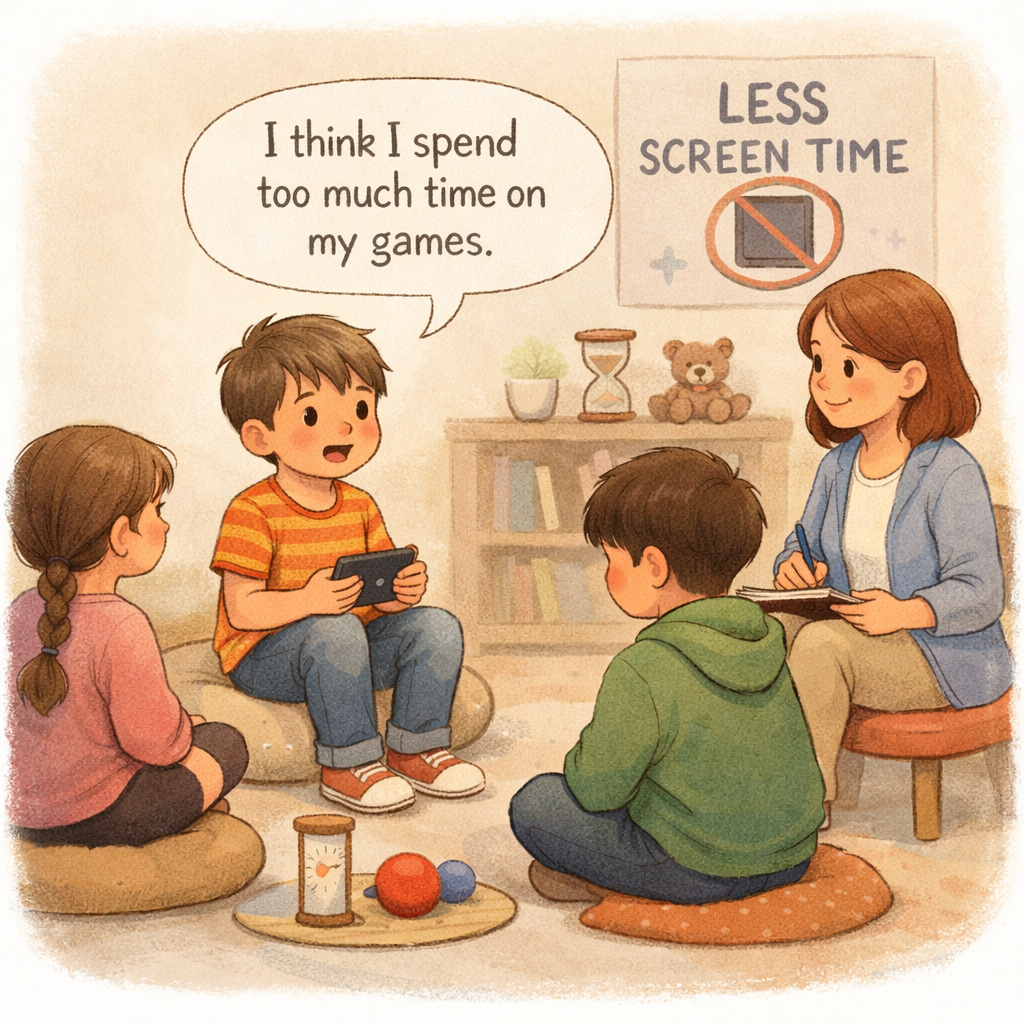
To reduce screen time arguments, have appealing alternative activities ready. When kids have fun options, they’re less likely to resist putting devices down—shifting the focus from loss to gain.
Prioritize family time by planning activities that foster connection and movement, such as board games or walks in the park. These shared moments strengthen bonds and encourage healthy habits.
Screen-free activity ideas:
- Get creative—draw, build, or make music.
- Enjoy outdoor activities like biking or sports.
- Read together or listen to audiobooks as a family.
Conclusion
In conclusion, managing screen time effectively is essential for fostering a healthy family dynamic. By understanding the challenges and implementing expert strategies, you can create a balanced approach that respects both technology's benefits and the need for connection and alternative activities. Transitioning away from screens doesn’t have to be a battleground; instead, it can be an opportunity for engaging in family time and meaningful interactions. As you navigate this journey, remember that consistency, open communication, and patience are key. If you're looking for more personalized advice or resources, reach out to explore options tailored for your family.
Reach out for a consultation or call daar at 02 9133 2500 for expert guidance tailored to your child’s needs.
Frequently Asked Questions
How do families manage screen time for teens?
For teens, managing screen time is about collaboration. Families find success by setting screen time limits together, discussing the responsible use of social media platforms, and agreeing on specific times when devices are put away. This fosters trust and helps teens build a healthy relationship with technology.
Are there free resources for parents to help limit screen time?
Yes, there are many free resources available. Built-in parental controls on Apple and Android devices are excellent tools for setting time limits. Websites like Common Sense Media offer free advice, reviews, and guides to help parents find a healthy balance and manage screen time effectively.
What finally helped households avoid constant screen time battles?
What finally helps households avoid battles is creating a family media plan together. When every family member has a say in setting screen time limits and healthy boundaries for digital devices, there is more buy-in and fewer arguments. Consistency and open communication are key to making these time limits work.
.svg)




.svg)