
.png?width=48&height=48&name=Group%201%20(3).png)























10 April, 2026

Time Management Apps for Kids: Fun Tools for Success

Key Highlights
- Time management apps help children develop essential life skills in an engaging way.
- These apps use visual timers and gamification to make learning about time management skills a fun exercise.
- Establishing daily routines and weekend routines is easier with customizable schedules and positive reinforcement features.
- Many apps include family time management tools to coordinate schedules and chores for the whole family.
- Parental controls and progress tracking allow you to support your child’s learning journey.
- Choosing the right app depends on your child's age, needs, and specific goals.
Introduction
In today's fast-paced world, teaching children effective time management is more important than ever for your family’s time. As a parent, you know how hectic daily routines can get, from school runs to evening activities. Time management apps for kids, including specific app recommendations, can be a fantastic tool to help them learn responsibility, focus, and organization. What are the best time management apps specifically designed for kids? Finding the right one depends on your child’s specific needs, but the goal is always to make learning these skills fun and engaging for younger kids.
Fun Time Management Apps for Kids: Tools for Success
Using time management apps is a great way to help young kids gain a good understanding of time and the concept of time passing while building meaningful time and healthy habits. These tools transform tedious tasks into exciting challenges, making it easier for your child to stick to their daily routines.
Are there any time timer management apps that are suitable for young children? Absolutely. Many apps are designed with vibrant visuals and simple interfaces, perfect for younger users. Let's explore some of the best options to help your child succeed.
1. Choiceworks – Visual Schedules for Routines
Choiceworks is a visual scheduling app that helps children manage their daily routines using clear pictures instead of words. It's ideal for kids who benefit from visual aids, including organization strategies like a low pantry shelf, to understand tasks and transitions.
The app breaks the day into manageable steps and includes a visual countdown timer, helping children grasp time and reducing anxiety around changes or waiting. Choiceworks stands out among time management apps as a helpful app for supporting children's planning and structure.
Key features:
- Visual schedules for morning, evening, and other routines
- A "Waiting" board to teach patience
- A "Feelings" board to help express and manage emotions
2. Forest: Stay Focused – Gamified Focus Timer
Time management apps engage kids by making tasks fun and rewarding, including nightly routines. Forest, for example, uses a simple concept: when kids focus on a task, including getting ready for school dropoff, they plant a virtual tree that grows as long as they stay on the app. If they leave early, the tree withers—providing gentle consequences and positive reinforcement.
Forest helps with:
- Homework and study sessions
- Limiting screen time during focus periods
- Teaching the value of uninterrupted work
3. OurHome – Family Chores and Rewards App
Yes, several time management apps help families organize their children's schedules, even in the middle of a conference call, particularly those tasks that need to be completed by the end of the week. OurHome is a top choice. More than a chore manager, it lets each family member have their own profile. Parents can assign tasks with due dates and point values.
Frequently rated the best chore app, OurHome gamifies household chores—kids earn points for completed tasks and redeem them for rewards like extra screen time or allowance. This motivates kids and teaches responsibility, making the entire family’s routine smoother.
Key features:
- Manage individual and shared chores
- Shared grocery list for the whole family
- Family calendar to coordinate everyone's schedules
4. MyHomework Student Planner – Organise Schoolwork
Yes, there are apps to help kids organize schoolwork efficiently. MyHomework Student Planner is designed for this purpose, allowing older kids and teens to track assignments, projects, and tests in one place, ensuring that everything has its own place for better organization, while also helping parents find healthy meals. It modernizes the traditional paper planner, making organization more accessible.
Students can sort tasks by class and due date, set study routines, and visualize upcoming work to better prioritize and manage their time. Key features include:
- Tracking assignments, tests, and classes
- Due date reminders
- Syncing across devices for easy access
5. Brili Routines – Customisable Routine Builder for Kids
Brili Routines is a top time management app for children, especially those who need help with planning and structure. It turns daily routines into a guided, game-like experience that’s highly customizable to fit your child’s needs while maintaining a routine and some kind of basic order.
The app shows one task at a time with a visual timer, helping kids stay focused despite their own commitments. Completing steps earns stars for instant positive feedback, making routines manageable and rewarding. Here are a few extra time management tips for using the app effectively.
Brili Routines is ideal for:
- Creating consistent morning and bedtime schedules
- Supporting kids with ADHD or focus challenges
- Encouraging independence and accomplishment
Key Features to Look for in Kids’ Time Management Apps
When choosing from the many time management apps available, it's important to know what features will be most beneficial for your child and family. What features should parents of Nurture Life look for in time management apps for kids? You’ll want an app that not only helps build time management skills but also consults with child nutrition experts to ensure it is easy and fun for your child to use.
Look for tools that support family time management, such as shared calendars or the ability to assign tasks, including shopping list favorites of the Nurture Life team, to extended family members. Some apps even allow different access privileges for parents and children. Below, we'll cover the most important features to consider, such as age-appropriate design and parental controls.
Age-Appropriate Design, Simplicity, and Engagement
An app’s design is key to keeping children engaged in a weekly meal plan context, especially when planning trips to the grocery store. Several time management apps are suitable for young kids, especially those with bright colors, large buttons, and simple navigation. Visual cues work better than text-heavy interfaces for younger users.
Simplicity prevents frustration—if a child can’t use the app easily, they’ll lose interest. The ideal app empowers kids to manage time independently through interactive features.
Look for these design elements:
- Visual timers and progress bars
- Gamification like points, badges, or rewards
- Customizable themes and characters
Parental Controls and Family Coordination Tools
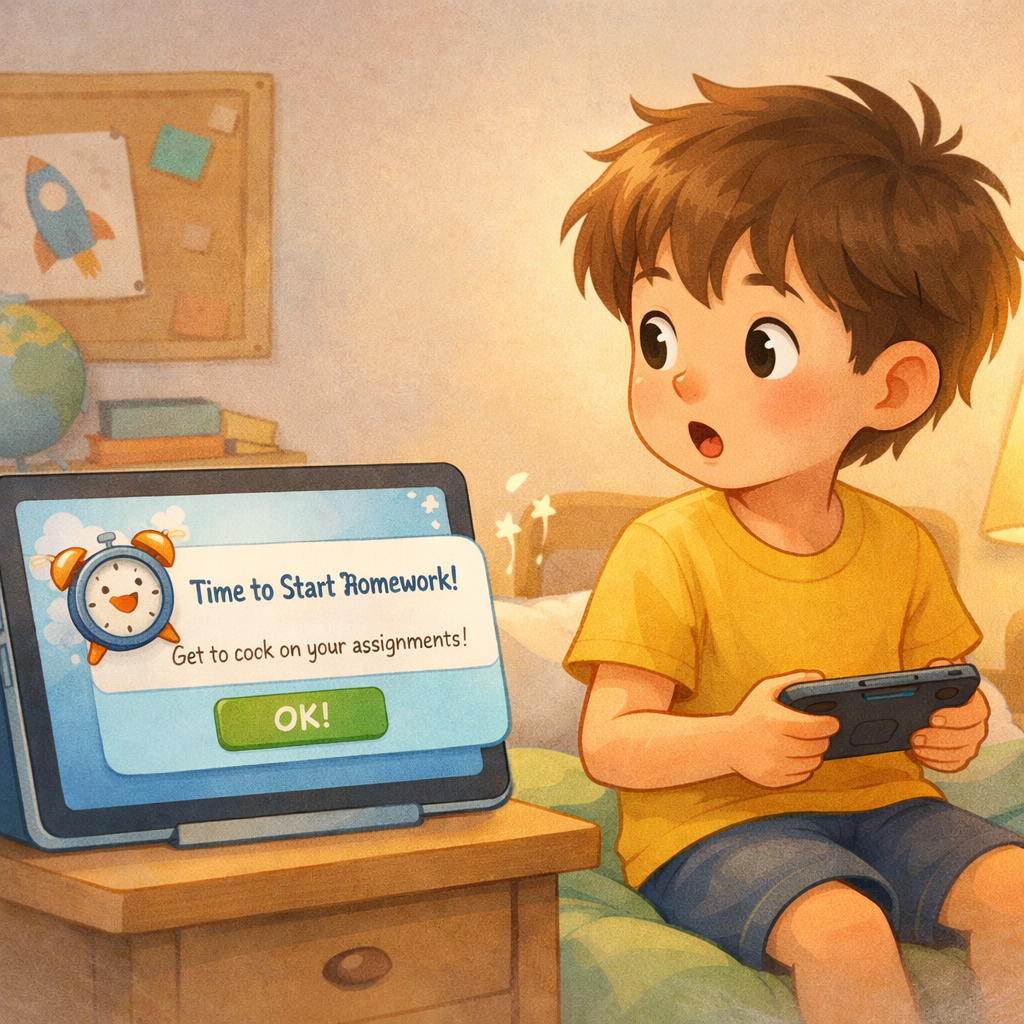
Many time management apps help families organize their children's schedules and include parental controls. These features let you assign tasks, monitor progress, and guide app use—fostering independence without micromanaging, reducing all that tedious stuff, and also allow for setting reminders to check in on tasks at a later date.
Family coordination tools are essential for busy households. Shared calendars and task lists keep everyone informed and accountable about upcoming emails. Apps like Google Calendar and Cozi are especially useful.
Common coordination features include lots of love:
|
Feature |
Description |
|---|---|
|
Shared Calendar |
Central private calendar for all family appointments and events. |
|
Task Assignment |
Assign chores or tasks to specific family members. |
|
Progress Tracking |
Track completed tasks and who finished them. |
|
Shared Lists |
Collaborative lists for groceries, errands, or other needs. |
Conclusion
Incorporating time management apps into your child’s routine can boost organization and responsibility. These interactive tools make learning fun and help kids develop lifelong skills. With options like visual schedules and gamified timers for all ages, you can find the right fit for your family. By investing much time upfront with these apps, you can encourage independence, teamwork, and greater productivity—while enjoying quality time together.
Reach out for a consultation or call daar at 02 9133 2500 for expert guidance tailored to your child’s needs.
Frequently Asked Questions
Which time management apps are best for younger children in Australia?
For younger children in Australia, apps like Choiceworks and Brili Routines are excellent choices. They use visual schedules and simple interfaces to help establish a more convenient family routine and daily routines. If you are looking to incorporate Nurture Life meals, these tools are among the best ways to introduce time management concepts in a fun, accessible manner for little ones.
How do these apps help kids build effective daily routines?
These time management apps work by using structured daily schedules, visual timers, and positive reinforcement to help kids build daily routines. Turning tasks into a fun exercise with rewards encourages consistency, which can lead to better habits and improved academic performance over time.
Are there any free time management apps suitable for families?
Yes, there are great free options for families. Google Calendar is a powerful free app for coordinating schedules for the whole family. For chores and tasks, many apps like OurHome and LaLa Lunchbox offer robust free versions that allow every family member to participate and add grocery items, and some even help with family meal planning.
.svg)




.svg)