
.png?width=48&height=48&name=Group%201%20(3).png)























10 April, 2026

How to Use Time Management Apps for Kids Effectively
Key Highlights
- Time management apps can be a great way to teach children effective time management and build better daily routines.
- Choosing a specific app tailored to your child’s specific needs is the first step toward success.
- Setting up the app involves customizing schedules for tasks, chores, and even weekly meal plans.
- Introducing chores with features like positive reinforcement helps motivate kids to complete their tasks.
- Regularly monitoring progress and adjusting routines ensures the system stays effective as your child grows.
Introduction
Parenting is a whirlwind of love and excitement, but let's be honest, it's also hectic. Juggling school drop-off, work, and nightly routines can make days feel impossibly full. This is where time management apps come in. They are powerful tools for improving family time management and teaching your kids crucial time management skills from a young age. To achieve this, it’s essential to invest some time upfront in using these tools effectively. So, how can time management apps help children build better routines? By providing structure and making tasks engaging, these apps transform chaotic schedules into organized, meaningful time together. Managing the school dropoff process effectively can significantly ease daily pressures.
Beginner’s Guide to Getting Started with Time Management Apps
Getting started with time management apps doesn't have to be complicated. The key is to find tools that fit your family’s lifestyle and cater to your child's specific needs. Here are some of the best ways to look for features like visual timers, customizable schedules, and reward systems to keep them engaged.
Many apps are designed with younger kids in mind, using games and fun graphics to make learning about daily routines an enjoyable experience. By following a few simple time management tips, you can successfully integrate Nurture Life meals and these tools into your family's life, just as the parents of Nurture Life have done.
Essential Equipment and Resources for Parents and Kids
To maximize these digital tools for planning healthy meals, you only need a few essentials: a smartphone or tablet accessible to all family members, including extended family members. With this, you can explore apps for scheduling and chore management.
For younger children learning about time passing, visual countdown timer apps, such as Visual Countdown Timer, use images and music to make tasks like getting ready for school and managing their grocery list more engaging. This introduces the concept of time in a fun, low-pressure way.
Recommended resources:
- Shared family device (tablet or smartphone)
- Reliable internet connection
- Cloud-based calendar apps (e.g., Google Calendar)
- Kid-friendly chore apps (e.g., Chore Pad, Homey)
Step-by-Step Process for Setting Up and Using Apps
Setting up time management apps is easy with a step-by-step approach. The goal is a simple system for managing upcoming emails that everyone in the family can use, even in the middle of a conference call. Start with a shared calendar accessible to parents, kids, and others like nannies.
Apps such as Google Calendar or Cozi work well for organizing family schedules. You can assign different access levels—like "view-only" for kids—to keep everyone informed and give children structure.
Quick setup guide:
|
Step |
Action |
Purpose |
|---|---|---|
|
1. Download & Install |
Choose and install an app on a shared device. |
Get your tool ready. |
|
2. Create Accounts |
Set up accounts for each family member. |
Personalize and assign tasks. |
|
3. Establish a Calendar |
Make a shared calendar for activities and appointments. |
Centralize everyone's schedules. |
|
4. Add Initial Tasks |
Enter a few recurring tasks to start. |
Ease into the new system without overwhelm. |
Step 1: Choose the Right App for Your Child
Choosing the right app for family meal planning starts with understanding your child's needs and personality, including the shopping list favorites of the Nurture Life team. Are they visual learners or motivated by games and rewards? Answering these questions will guide you to an app they'll actually use. Some kids do well with simple visual timers, while others prefer structured apps like Brili Routines.
When selecting an app to manage your family’s household tasks, look for features that keep your child engaged, such as customization, fun interfaces, and positive feedback. Apps likemyHomework Student Planner suit older kids managing assignments. For younger children, consider gamified options like Chore Pad, which turns grocery store-related household tasks into a game.
Ultimately, the best time management app is one your child will use consistently to help reduce all that tedious stuff by the end of the week. Try several options to find the best fit for your family and support your child’s confidence and independence.
Step 2: Set Up the App and Customise Schedules
After choosing an app, customize schedules to fit your whole family’s needs. Start by creating a private calendar with platforms like Google Calendar. Set up separate calendars for activities and share them with relevant family members, while also setting different access privileges for centralized management.
Include all routines—school events, appointments, and meal plans. Apps like Cozi or Paprika simplify meal planning by organizing recipes and generating shopping lists automatically, reducing stress and saving time.
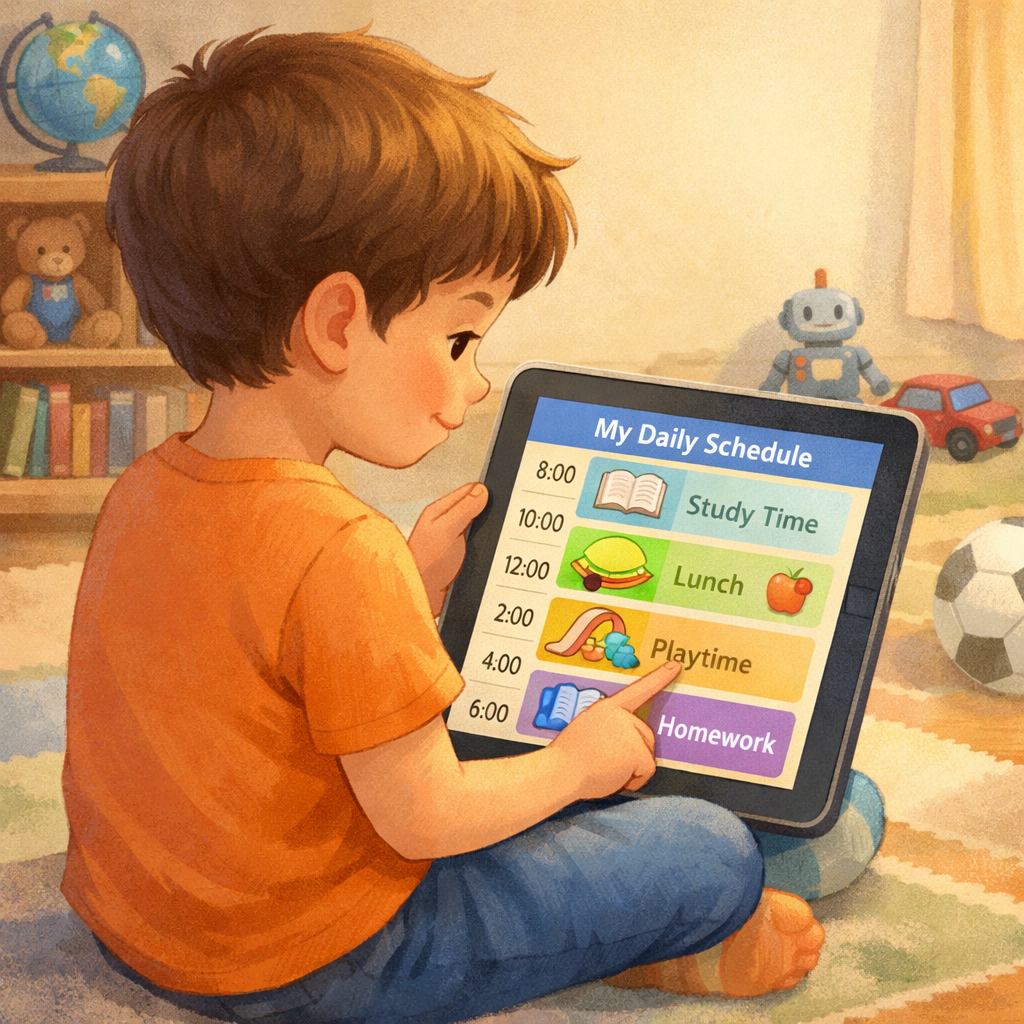
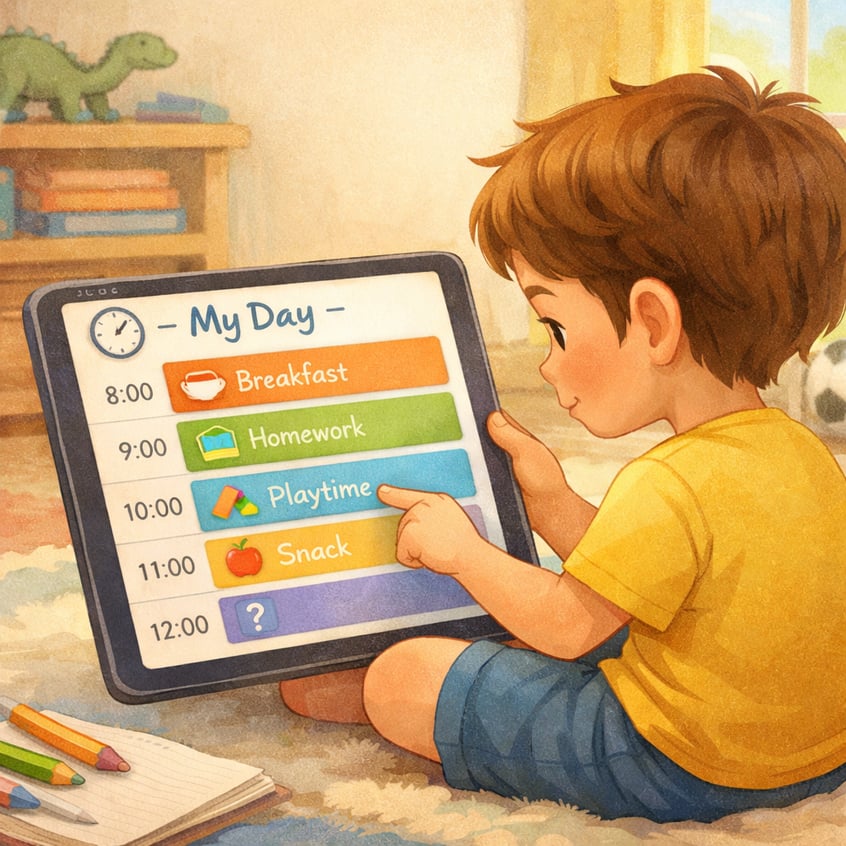
For young children, keep schedules simple and visual. Use icons or colors for different activities to help them understand daily routines and make mornings and evenings smoother.
Step 3: Introduce Daily Tasks and Chores
Introducing chores through the best chore app can make tasks more engaging for kids and enhance the entire family’s routine. Unlike traditional chore charts, digital chore managers like Chore Pad and Homey add fun by rewarding completed tasks with stickers or points.
Choose an app that fits your child’s age and interests. For example, S'moresUp adds a competitive twist by letting family members compete as chore leaders for different kinds of errand runs, creating a shared list of tasks. This gamified approach motivates kids to keep up with chores and helps them learn time management.
Tips for using a chore app:
- Start with simple, age-appropriate tasks.
- Clearly explain each chore.
- Use the app’s rewards to celebrate completed tasks.
- Let kids help pick their chores for a sense of ownership.
Step 4: Monitor Progress and Adjust Routines
After setup, monitor progress and adjust routines as needed according to your own commitments. Technology’s effectiveness depends on how you use it, so regularly check if your child is managing tasks well and maintaining some kind of basic order. Use feedback to fine-tune the schedule.
A consistent routine provides structure and can boost focus and academic performance, but lots of love and flexibility are key. If part of the day feels rushed or stressful, adjusting the weekend routines and schedule can help reduce stress.
Stay involved and make small changes to keep the app useful for your family. This helps your child build planning and organizational skills, turning chaotic moments into meaningful learning time together, where everything has its own place, like a low pantry shelf for easy access.
Conclusion
Effectively using time management apps, like LaLa Lunchbox, can greatly improve your child's ability to manage tasks and responsibilities. By choosing the right app and monitoring progress, you help them develop essential life skills for adulthood. These tools encourage independence and accountability while organizing daily routines. For even more advice from child nutrition experts, be patient and supportive as your child learns to manage their schedule. Start exploring app options together and see your child grow in their time management abilities.
Reach out for a consultation or call daar at 02 9133 2500 for expert guidance.
Frequently Asked Questions
Which app is best for young children starting?
For younger kids, a helpful app is visual and fun. Consider a specific app like Visual Countdown Timer, which uses pictures and music to make time tangible and see how much time is remaining. Time management apps work and feel like a game are perfect because they cater to a child’s specific needs for engagement and simplicity.
How can these apps help kids develop better routines?
These apps promote effective time management by making daily routines clear and predictable, which can contribute to a more convenient family routine. A regular routine provides structure, and features like reminders and positive reinforcement motivate kids to stick with their tasks, helping them to gain a good understanding of time management. This consistent practice is key to building strong time management skills that become second nature over time.
Are there simple apps for managing morning or evening schedules?
Yes, many apps are designed specifically for morning routines and nightly routines. Apps like Brili Routines or even a simple visual countdown timer can guide kids through their daily schedule and help track grocery items. Using a time timer for each step, like brushing teeth or getting dressed, can turn a potentially chaotic time into a smooth process, making it a fun exercise for kids to follow.
What apps do you use to manage kids' screentime that actually work?
Effective time management apps for kids include Qustodio, which provides screentime tracking and limits, and FamilyTime, allowing parents to monitor app usage. Additionally, OurPact is great for scheduling screen time. These tools help manage kids' digital habits while encouraging productive activities beyond their devices.
.svg)




.svg)