
.png?width=48&height=48&name=Group%201%20(3).png)























10 April, 2026

Discover the Best Screen Time Control Apps for Parents
Key Highlights
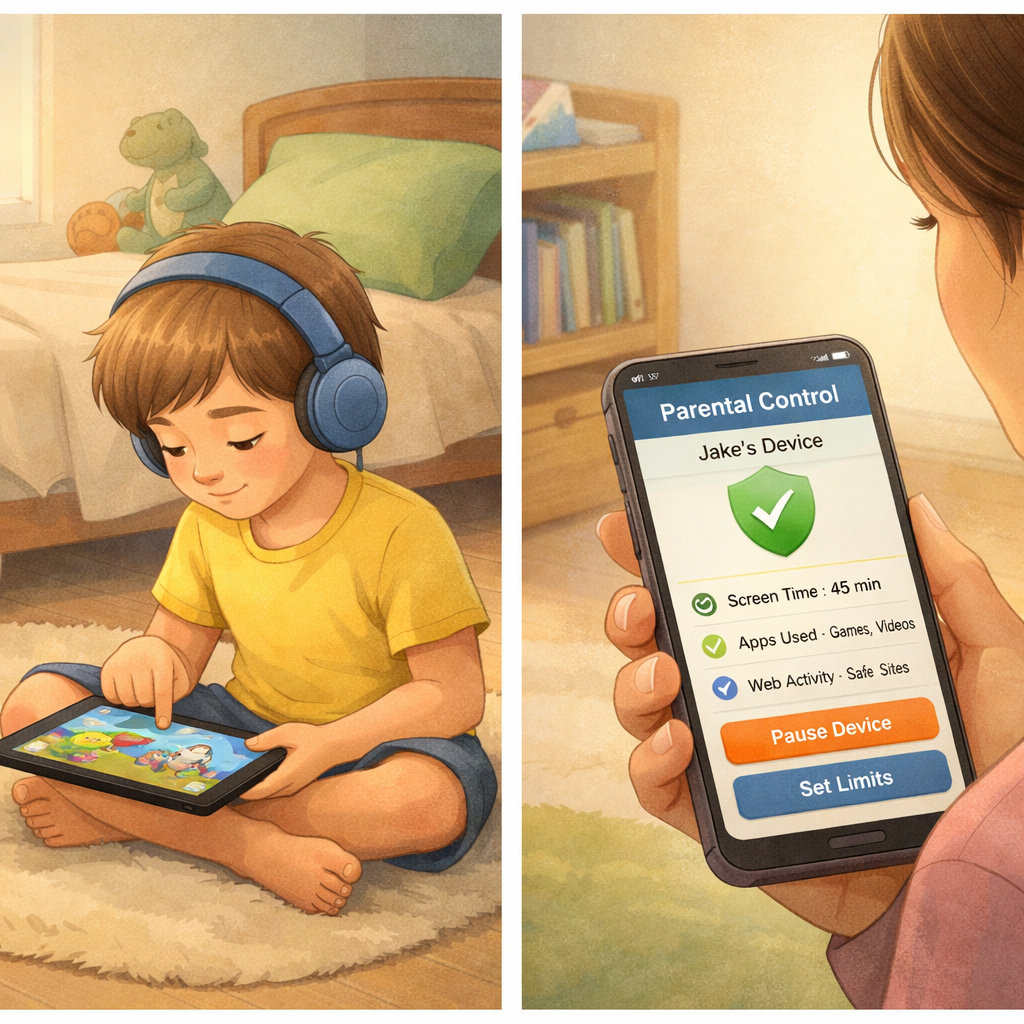
- Discover the impact of excessive screen time on your family’s mental health and well-being. Learn how a parental control app can help you set healthy boundaries and time limits. Understand the key features to look for in a screen time management tool, such as app blocking and scheduling. You can use apps like Opal or StayFree to support your screen time management by tracking your daily device usage and setting personalized time limits for apps. Both Opal and StayFree offer features to help with time management, letting you monitor which apps consume the most screen time and enable you to set boundaries to prevent excessive use. For families, these apps can work in conjunction with a parental control app to ensure healthy screen habits for everyone.
- Learn how a parental control app can help you set healthy boundaries and time limits.
- Understand the key features to look for in a screen time management tool, such as app blocking and scheduling.
- Explore our list of the top apps designed to help you manage daily screen time effectively.
- Find out how to use built-in solutions like Apple Screen Time and Google Family Link for basic control.
- Get tips on encouraging balanced digital habits and reducing online risks for your children.
Introduction
Do you ever find your family getting lost in their screens, whether it's for work, school, or just mindless scrolling? In today's digital world, managing screen time has become a major challenge for parents. It's easy for hours to slip by, impacting everything from sleep to family connection. A dedicated screen time app can be a game-changer, helping you regain control and foster healthier habits. This guide will walk you through the best options for effective screen time management, so you can find the right balance for your household.
Overview of Screen Time Control Apps for Parents in Australia
Managing your family's digital life can be challenging, but screen time apps make it easier. Available in all app stores, these tools help you set healthy device limits and give you control over how and when devices are used at home.
You can set daily limits, block apps during homework, and customize settings to fit your needs. With these apps, managing device use becomes simpler, helping your family build healthier digital habits.
Why Managing Screen Time Matters for Families
Monitoring your family’s screen time matters because it directly affects health and well-being. Excessive use is linked to anxiety, depression, eye strain, and disrupted sleep from blue light exposure.
For kids and teens, constant access to social media and games can harm mental health and take time away from homework, physical activity, and in-person interactions. Managing screen time isn’t about banning technology—it’s about protecting developing minds and bodies.
Setting clear boundaries helps your family avoid these risks and encourages a balanced lifestyle where technology supports daily life instead of controlling it.
How Screen Time Apps Promote Healthy Device Habits
Screen time control apps help reduce device usage by building healthy habits through structure and accountability. Instead of relying on willpower, these apps use features like:
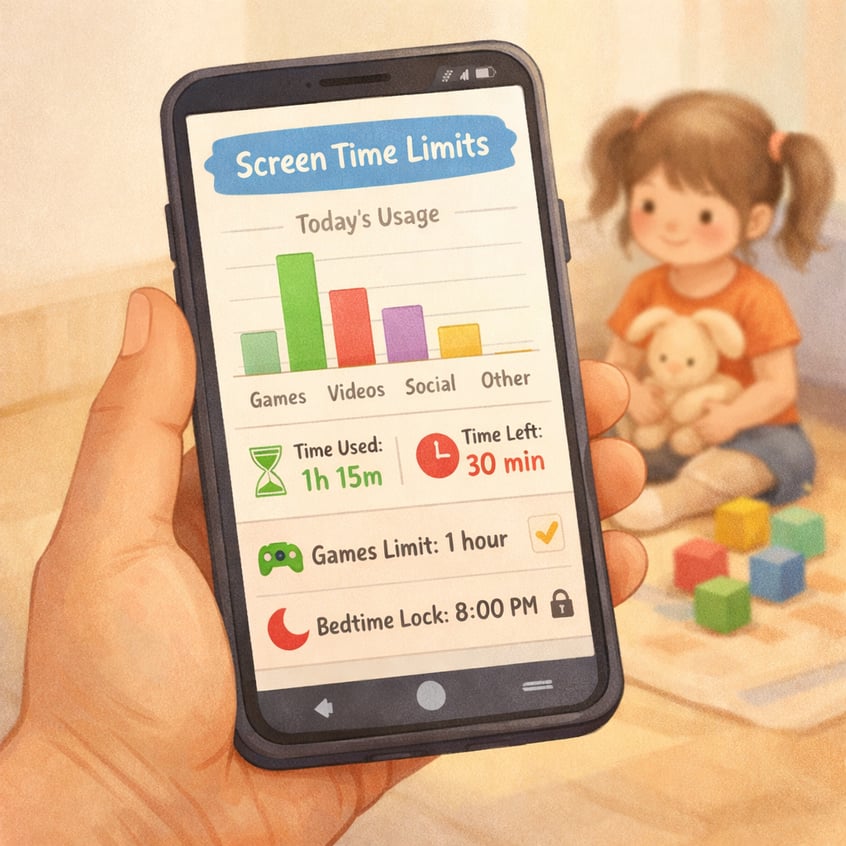
- Setting daily limits for specific apps or categories (e.g., 30 minutes for social media).
- Blocking apps once limits are reached.
- Scheduling device restrictions for dinner or bedtime.
- Sending reminders as you approach your limit.
- Offering focus sessions that block distractions.
These tools increase awareness of your usage and encourage more intentional screen time, helping you and your family develop lasting, healthy digital habits.
Key Criteria for Choosing the Right Screen Time Control App
When choosing a screen time management tool, focus on key features. The best apps combine strong parental controls with easy setup, making them effective and user-friendly for busy parents.
Consider your family’s needs: Do you need to manage multiple devices? Are you prioritizing app blocking or website filtering? Clarifying these points will help you find the right app. Let’s review the most important criteria.
Compatibility with iOS, Android, and Multiple Devices
Modern households often use a mix of devices—an iPhone for you, an Android tablet for your child. That’s why cross-platform compatibility is essential. A good app should work seamlessly across different operating systems, letting you manage your family’s screen time from one dashboard.
Top apps like Qustodio and AppBlock support both iOS and Android, allowing you to set consistent rules regardless of device. Some even offer plans for unlimited devices—ideal for larger families.
When choosing an app, look for:
- Support for iOS (iPhones and iPads)
- Compatibility with Android phones and tablets
- Coverage for desktops (Windows, macOS), and Chromebooks
This ensures you can easily monitor and manage screen time across all your devices.
Customizable Limits and Scheduling Features
Effective screen time management is about balance, not bans. The best apps offer customizable limits and flexible scheduling, letting you tailor rules to your family’s routine.
For example, set daily limits for games and social media but allow unlimited access to educational apps. Block non-essential apps during school or work hours to encourage focus. Scheduling features make it easy to designate screen-free times, like dinner or bedtime, creating a predictable routine.
Apps like Qustodio and Mobicip excel at this, enabling precise time limits and detailed schedules. This consistency reinforces healthy boundaries and teaches kids when screen use is appropriate.
App Blocking and Website Restrictions
A key feature of parental control apps is the ability to block specific apps and websites, protecting children from explicit content and managing issues like social media addiction. You can block individual apps or entire categories—such as games or streaming services—either completely or during set times.
Website restrictions also filter inappropriate content by category, including violence, gambling, and adult material. To get the most out of this feature, look for apps that offer:
- Blocking of specific apps
- Pre-set website filtering categories
- Customizable blocklists for adding URLs
These tools help ensure your child has a safer, more focused online experience.
Activity Reports and Usage Insights
To manage screen time effectively, you need to understand it—and that’s where activity reports and usage insights help. Leading screen time tracker apps provide detailed daily, weekly, or monthly summaries of phone use, showing which apps are used most and for how long. Some, like Qustodio, even offer a timeline of app usage throughout the day.
These reports do more than present data—they reveal digital habits and spark conversations. Insights can highlight potential social media addiction, late-night phone use, or show if most screen time is spent on educational apps. With this information, you can set smarter limits and talk with your kids about their app usage.
The Best Screen Time Control Apps for Australian Families
Now that you know what to look for, what are the best apps to control and limit your daily screen time? We've tested and reviewed the top apps available on the app store to help you decide. Many offer a free trial or a free version, so you can test them out before committing.
The best app for your family will depend on your specific needs, from comprehensive monitoring to simple scheduling. Here is a quick comparison of our top picks to help you find the right screen time app.
|
Parental Control App |
Best For |
Key Strength |
|---|---|---|
|
Qustodio |
Overall Screen Time Management |
Comprehensive features and detailed reports |
|
Norton Family |
Flexible Web Filtering |
Unique "School Time" content restrictions |
|
Bark |
Custom Schedules |
Monitors social media for potential risks |
|
Mobicip |
Granular Time Limits |
Highly customizable app and web filters |
Qustodio – Comprehensive Parental Monitoring and Limits
When it comes to comprehensive screen time management, Qustodio is often the top recommendation from wellness experts. This powerful parental control app offers extensive tools to help you manage your child's digital life. It allows you to set a daily screen time allowance in 15-minute increments and decide what happens when the time is up.
You have the flexibility to either lock the device entirely or just block navigation, which still allows access to essential apps like the calendar. In addition to daily time limits, Qustodio lets you set limits for individual apps, ensuring your child isn't spending all their time on TikTok or YouTube during study hours.
Its detailed activity reports give you a full picture of your child's daily screen time, including which apps they use and when. This makes it easy to spot trends and adjust rules as needed. With its robust features, Qustodio provides a complete solution for parents looking to enforce healthy boundaries.
Norton Family – Flexible Controls and Filtering
Norton Family excels with flexible controls, notably its unique School Time feature, which creates a restricted web environment during school hours. This helps children stay focused on studies by blocking distracting sites like YouTube and Reddit—ideal for remote learning and homework.
Though not entirely free, Norton Family is affordable and packed with valuable features. The Time Supervision tool lets you set daily screen time limits in 30-minute increments on Android and Windows. You can choose from age-based schedules or create custom ones. While app blocking is included, you can't set individual app time limits as you can with Qustodio.
When screen time runs out, the device locks down but still allows emergency calls to approved contacts. Kids can also request extra time, encouraging communication while maintaining boundaries.
Bark – Monitoring Features and Custom Schedules
Bark takes a different approach to screen time management, focusing heavily on monitoring and safety. Its standout feature is social media monitoring, which uses AI to scan for potential risks like cyberbullying, explicit content, and signs of mental health struggles. This makes it an excellent choice for parents of teens who are active on social media.
Instead of strict daily limits, Bark allows you to create custom schedules for app and website access. You can set different screen time rules for different times of the day, such as school hours, free time, and bedtime. This gives you control over what your child can access and when, without setting a total time cap.
Can tech-savvy children bypass parental control software? Bark makes it difficult. It uses a VPN to enforce its rules, and disabling it requires a constantly changing code from the parent's app. This robust system ensures your schedules and filters remain active.
Mobicip – Custom Device Time Limits
Mobicip gives families granular control over a child's device usage, making it a top screen time app. Its standout feature is customizable time limits, adjustable in 5-minute increments, plus unlimited custom app and web filters.
You can set a Daily Free Time Limit for unrestricted access and manage screen time by category, simplifying controls without blocking each app.
When the daily limit is reached, the device locks after a 15-minute warning, letting your child request more time. Vacation Mode temporarily relaxes rules without altering your schedule for added flexibility.
Built-In Solutions: Apple Screen Time and Google Family Link
Before you invest in a paid app, it's worth exploring the free, built-in tools that come with your devices. For iOS users, Apple Screen Time offers a solid set of controls right out of the box. Similarly, Google Family Link provides a free plan for managing Android devices.
While these native solutions may not have all the advanced features of premium apps, they are great for basic monitoring and setting simple limits. They are a good starting point for any parent looking to get a handle on their family's screen time.
Apple Screen Time for iOS Devices
If your family uses iOS, Apple Screen Time is a built-in tool for managing screen time—no downloads needed. You can track your own usage or manage your child’s device through Family Sharing.
Go to Settings > Screen Time to view detailed reports on device use, top apps, and notifications. This information can help you identify habits and encourage change.
Screen Time lets you set Downtime for breaks, App Limits for specific app categories, and Content & Privacy Restrictions to block inappropriate content. While some tech-savvy kids may bypass these limits, Screen Time is an effective first step for most families.
Google Family Link for Android Users
Google Family Link is a free parental control app for families using Android. It lets you manage your child's device from your phone, making it ideal for younger kids with their first phone.
With Family Link, you can monitor your child's app activity, approve or block Play Store downloads, and set daily screen time limits—including a "Bedtime" to lock devices at night. You can also remotely lock their device when it's time for homework, meals, or outdoor play.
While not as feature-rich as some premium apps, Family Link offers essential tools to help parents encourage healthy digital habits on Android.
How Screen Time Control Apps Help Parents and Children
Screen time control apps are more than just digital babysitters; they are tools that foster communication and build healthy habits for the whole family. For parents, they provide peace of mind and a way to enforce boundaries consistently. For children, they offer a structured environment to learn self-regulation and balance.
By reducing distractions from social media and games, these apps can significantly improve productivity for both adults and children. They also play a crucial role in protecting mental health by encouraging a much-needed digital detox. Let's look closer at how they help reduce risks and encourage balance.
Reducing Online Risks and Exposure
One of parents’ main concerns is the hidden dangers of the internet. Screen time control apps help create a safer digital space for children by offering features like web filtering and app blocking—your first defense against explicit or inappropriate content.
But do these apps really work, or can kids bypass them? While no system is perfect, top apps use advanced methods like VPN-based filtering and uninstall protection that requires a parent’s password. These features make it much harder for tech-savvy kids to break the rules you set.
With these tools, you can:
- Block websites with adult or violent content
- Prevent installation of unapproved apps
- Monitor for cyberbullying or risky conversations
This proactive approach helps protect your child from online risks as they navigate the digital world.
Encouraging Balanced Digital Habits
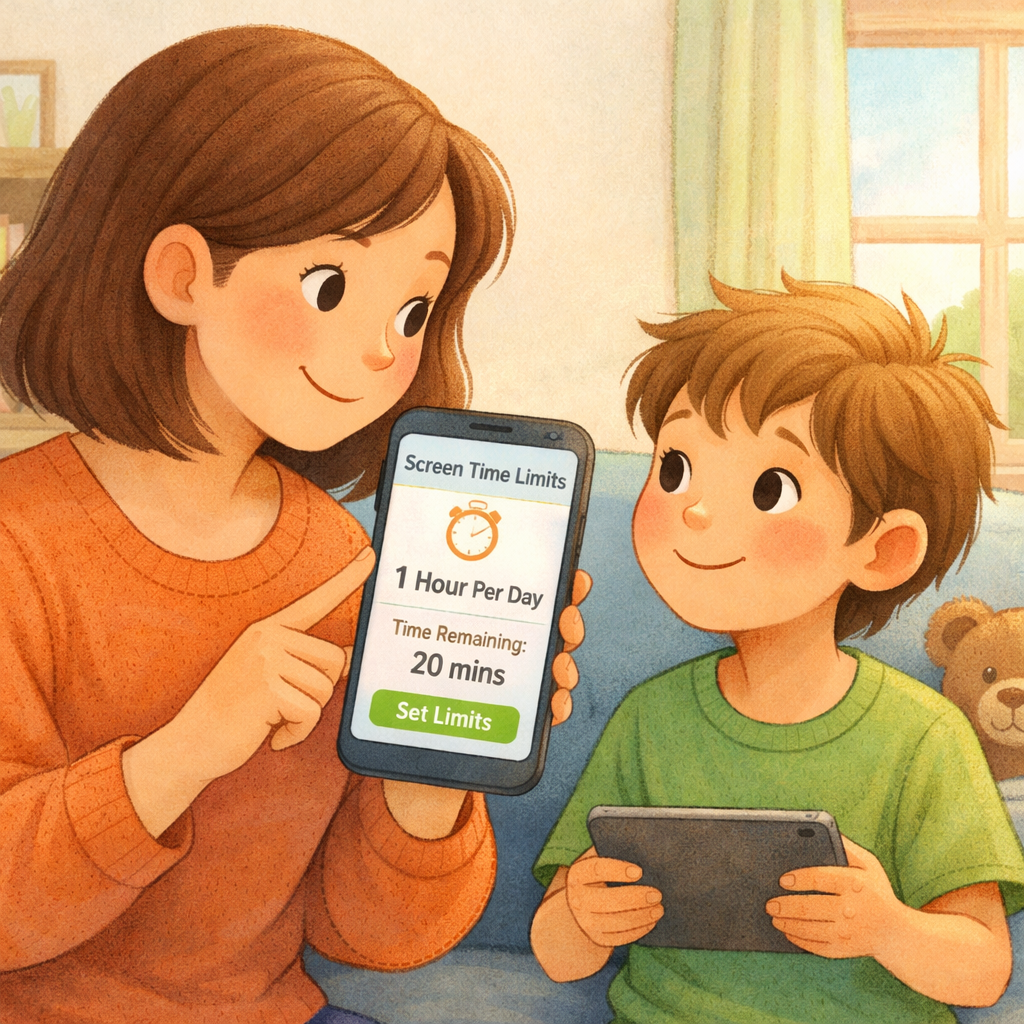
A screen time app helps build lasting, balanced digital habits by turning vague goals into actionable plans. These tools let you set limits and schedule screen-free periods, making room for family time, hobbies, or simply a break from devices. They serve as gentle reminders to honor your boundaries, gradually helping you and your children use technology more intentionally. Over time, this fosters self-discipline and healthier screen habits that support well-being, productivity, and real connections.
Conclusion
In conclusion, choosing the right screen time control app can make a significant difference in managing your family's digital habits. With the ability to set limits, monitor activity, and promote healthier device usage, these tools empower parents to guide their children in the digital age. As you explore the various options available, consider compatibility, customization features, and the specific needs of your family. By taking proactive steps to manage screen time, you can encourage balanced habits that foster both safety and well-being.
If you’re ready to take control of your family's screen time, don’t hesitate to reach out for a consultation or call daar at 02 9133 2500 to find the best solution tailored to your needs.
Frequently Asked Questions
Are there any effective free screen time restriction apps for parents in Australia?
Yes, there are effective free screen time restriction apps. Google Family Link for Android and Apple Screen Time for iOS are excellent free options for basic screen time management. While many top-tier apps from the app store require a subscription, they often offer a free plan with limited features that can be a good starting point.
Can tech-savvy children bypass parental control software?
While some tech-savvy kids may try to bypass parental control software, the best apps have features to prevent this. Look for tools with uninstall protection and a "strict mode" that locks down settings. Consistent enforcement of screen time rules and open conversations are also key to ensuring app limits are respected.
What features make a screen time control app most effective for families?
The most effective screen time app combines strong parental control features with ease of use. Key features include customizable time limits, scheduling, app blocking, and web filtering. Detailed activity reports are also crucial for making informed decisions about setting fair and effective daily limits for your family.
.svg)




.svg)