
.png?width=48&height=48&name=Group%201%20(3).png)























10 April, 2026

Parental Control Software Tips for Your Kids
Key Highlights
- Discover the best parental control app options for ensuring your child's online safety and digital well-being.
- Learn about essential features like content filtering, screen time limits, and app blocking to manage device usage.
- Understand how social media monitoring and real-time alerts can protect your kids from online risks.
- Get insights into setting up parental controls across unlimited devices for comprehensive family protection.
- Explore top choices that help you easily manage online activity and create healthy digital habits for your children.
Introduction
In today's digital world, keeping your children safe online is a top priority for every parent. With countless apps, websites, and social media platforms, it can feel overwhelming to manage what your kids see and do on their devices. This is where parental control software comes in, offering you peace of mind and powerful tools to guide your child’s digital journey. From setting screen time limits to ensuring their online safety, the right app can make a significant difference in fostering a healthy relationship with technology. When it comes to choosing the best parental control software for keeping kids safe online in 2026, leading options like Qustodio, Net Nanny, and Bark stand out for their comprehensive features, ease of use, and reliable content filtering. These platforms are highly recommended because they offer robust monitoring tools, customizable controls, and real-time alerts to help parents protect their children in an ever-evolving digital landscape.
Essential Features to Look for in Parental Control Software
When choosing a parental control app, it's important to look for a comprehensive set of features that address all aspects of online safety. Key functions like content filtering, screen time management, and app blocking are fundamental. These tools help you prevent exposure to inappropriate material and manage how much time your kids spend on their devices.
Additionally, you should consider software that provides detailed activity reports. These reports give you valuable insights into your child’s device usage, helping you have informed conversations about their online habits. Some of the most effective parental control features for digital well-being are those that a child can't easily bypass, ensuring the rules you set are consistently enforced. Let's explore some of these essential features in more detail.
Screen Time Management Tools
One of the biggest challenges for parents today is managing the amount of time kids spend on their screens. Effective screen time management tools are a core component of any good parental control app. These features allow you to set screen time limits for your child’s device usage, which is crucial for promoting healthier habits. You can often customize these limits based on your child’s age and daily routine.
Many apps offer flexible scheduling options, so you can block device access during homework hours or bedtime. This approach to time management helps children understand that technology use should be balanced with other activities. The best tools apply these limits across unlimited devices, so your child can't simply switch from a tablet to a phone to get more screen time.
Key screen time management features include:
- Setting daily or weekly time allowances for overall device usage.
- Creating schedules to lock devices during specific times, like school or sleep.
- Applying time limits to specific apps, especially games and social media.
- The ability to instantly pause the internet on your child's devices.
App Blocking and Web Filtering
Protecting your children from inappropriate content is a primary goal of parental control software. App blocking and web filtering are essential parental control features that give you direct control over what your child can access. With app blocking, you can prevent them from downloading or using individual apps that you deem unsuitable, from social media to games.
Web filtering, or content filtering, works similarly by blocking access to websites with adult content or other inappropriate material. Many services, like Net Nanny, use intelligent filtering that analyzes pages in real-time. Others, such as Google Family Link, integrate with browsers to enforce safe browsing. This ensures your child’s online explorations remain safe and age-appropriate.
To effectively block inappropriate content, look for these features:
- The ability to block specific apps and games.
- Real-time web filtering to block access to adult content.
- Category-based blocking for topics like violence or hate speech.
- Options to approve or deny requests for new apps.
Location Tracking and Geofencing
Knowing your child's whereabouts can provide significant peace of mind, and modern parental control apps often include robust location tracking features. These tools use the GPS on your child’s device to show you their real-time child’s location on a map. This is incredibly useful for making sure they have arrived safely at school or a friend’s house.
Beyond simple tracking, many apps offer geofencing capabilities. This allows you to set up virtual boundaries around specific locations, such as home or school. You will then receive an alert when your child enters or leaves these designated areas. For added online safety, some apps also include a panic button your child can press to send an immediate alert with their location if they are in danger.
Important location-based features include:
- Real-time location tracking to see your child's current location.
- Geofencing to receive alerts when your child enters or leaves a defined zone.
- A panic button for emergencies that instantly notifies you.
Social Media and Messaging Monitoring
As children get older, their online activity often shifts to social media and messaging apps. Social media monitoring is an advanced feature that helps you keep an eye on these interactions to protect them from risks like cyberbullying and online predators. Some apps can scan your child’s text messages, emails, and social media profiles for harmful content.
This type of social monitoring raises important questions about privacy, so it's crucial to have open conversations with your kids about why you are using these tools. The goal is not to spy but to ensure their safety and teach them how to protect their personal information from dangers like identity theft. Setting up privacy controls together can be a collaborative way to approach this.
Key monitoring features to look for are:
- Monitoring of text messages and popular messaging apps.
- Alerts for inappropriate content found on social media profiles.
- Reviewing YouTube history and web searches.
- The ability to block new, unapproved contacts.
Real-Time Alerts and Notifications
Staying informed about your child’s online activity as it happens is one of the most powerful aspects of parental control software. Real-time alerts can notify you instantly about various events, allowing you to respond quickly when needed. For instance, you can receive a notification if your child tries to access a blocked website, downloads a new app, or leaves a geofenced area.
These alerts are highly customizable, so you can choose what you want to be notified about. Some apps even offer uninstall protection, which alerts you if your child attempts to remove the parental control software from their device. This feature ensures that the protections you’ve set up remain active.
Helpful real-time alerts include:
- Notifications for attempts to access blocked content or individual apps.
- Alerts for geofence breaches or when your child reaches a destination.
- Warnings about potential cyberbullying or other online risks.
Digital Well-being Tools and Usage Reports
Beyond simply restricting access, many parental control apps now include digital well-being tools designed to help children develop balanced digital habits. These features focus on promoting a healthy relationship with technology rather than just imposing limits. Screen time monitoring is a key part of this, providing insights rather than just restrictions.
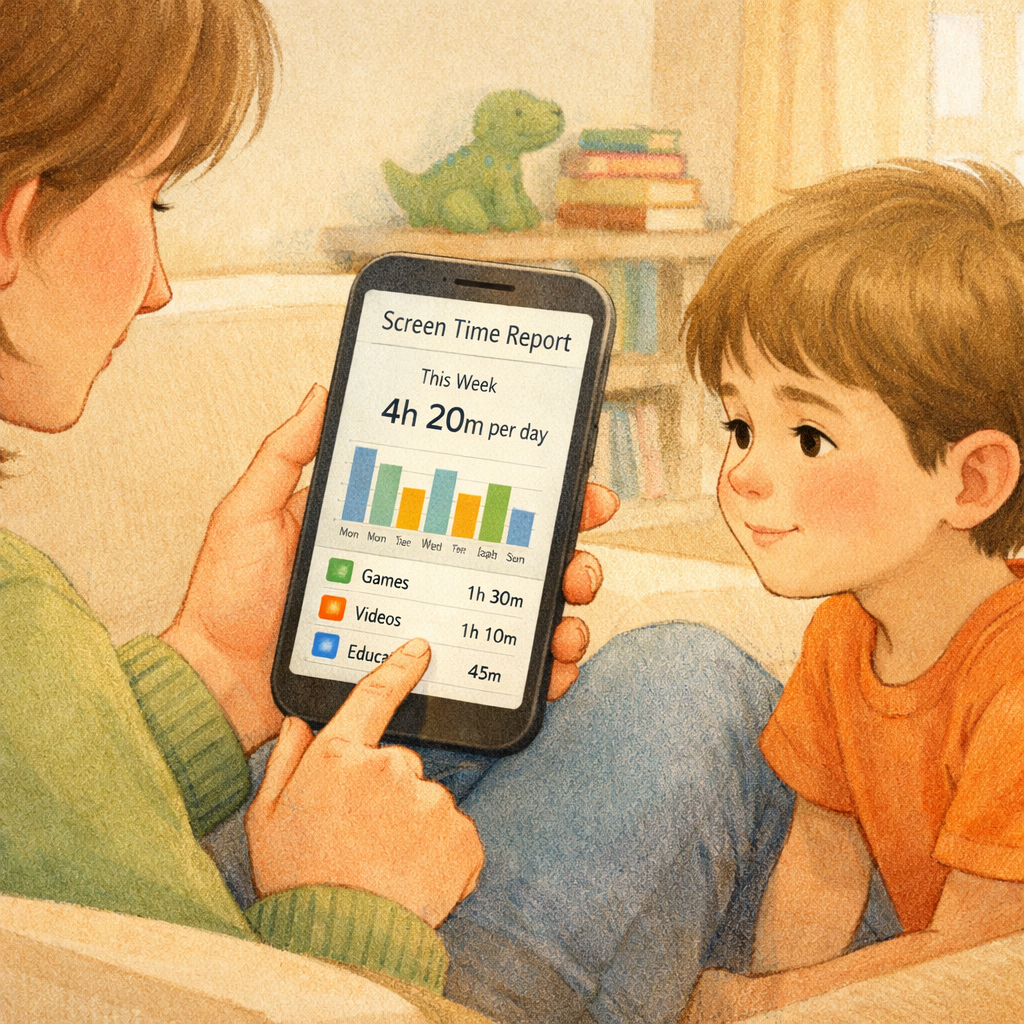
Comprehensive usage reports offer a detailed breakdown of your child’s device activity. You can see which apps they use the most, what websites they visit, and how their app usage changes over time. These reports are invaluable for starting conversations with your child about their digital life and guiding them toward healthier choices based on their age and maturity.
Key digital well-being features to prioritize include:
- Detailed usage reports showing time spent on specific apps and websites.
- Analytics on browsing history and YouTube viewing habits.
- Tools that encourage breaks and offline activities.
How Parental Control Apps Help Manage Children’s Screen Time
A parental control app is one of the most effective tools for screen time management. These apps empower you to set time limits on your child's device usage, preventing the endless scrolling and gaming that can interfere with homework, sleep, and family time. You can establish daily time limits for overall screen use or for specific categories of apps.
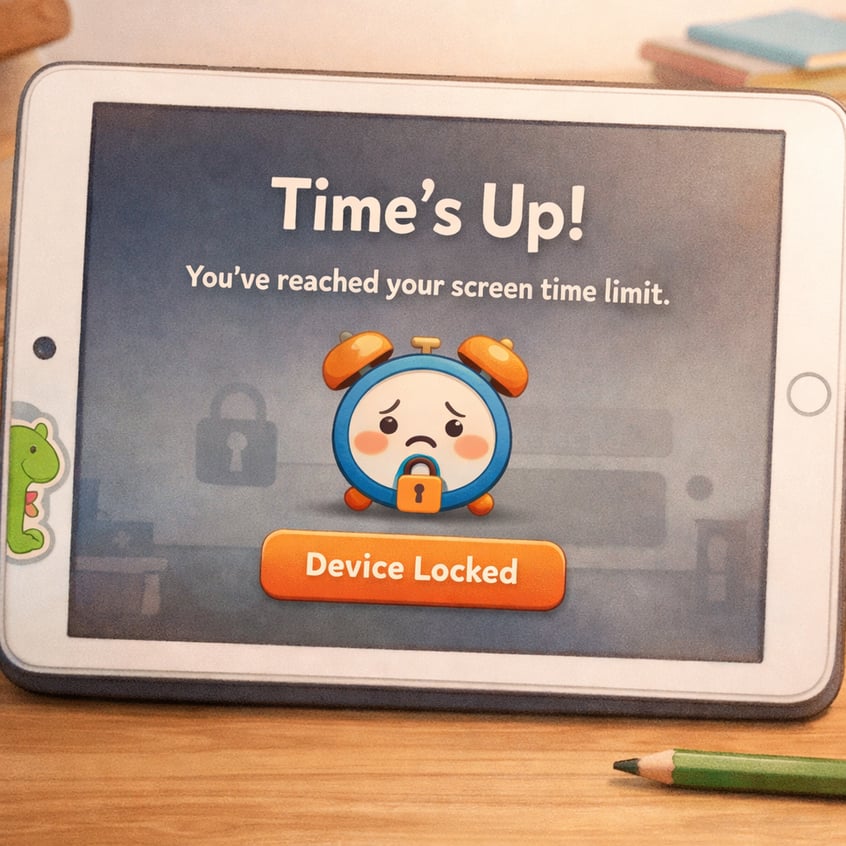
By allowing you to set time limits and create schedules, these apps help enforce consistent rules without constant arguments. When time is up, the device or app simply locks, teaching children about boundaries and self-regulation. The ability to manage screen time effectively helps foster healthier digital habits from a young age. Let's look at some specific ways you can use these apps to manage screen time.
Creating Healthy Schedules for Device Usage
Establishing a routine is key to managing your child's screen time, and parental control apps make it easy to create healthy schedules. You can designate specific times of the day when devices are off-limits, such as during school time, family dinners, or before bed. This consistent structure helps children understand that there are times for technology and times for other activities.
For example, you can set the app to lock all entertainment apps and games during homework hours, ensuring your child stays focused on their studies. Some apps, like Norton Family, even offer a "School Time" feature that restricts web access to only educational sites. This approach to time management helps build discipline and reduces conflicts over device usage.
By using screen time monitoring features, you can see how the schedules are working and adjust them as needed. This flexibility allows you to create a plan that fits your family’s unique needs and promotes a balanced lifestyle for your children.
Setting Time Limits for Apps and Games
It's not always about total screen time; sometimes, the problem is how much time is spent on specific apps. Parental control software allows you to set time limits for individual apps and games, which is a great way to manage app usage without a total ban. If your child is spending too much time on a particular social media app or game, you can set a daily time limit for it.
Once the allotted time is used up, the app becomes inaccessible for the rest of the day. This feature provides a more targeted approach than general screen time limits. It allows your child to enjoy their favorite apps in moderation while encouraging them to explore other activities.
Here’s how you can use this feature effectively:
- Identify which specific apps consume the most time.
- Set daily time limits on those apps to encourage balance.
- Use app blocking for apps that you want to restrict completely.
Encouraging Balanced Digital Habits
The ultimate goal of screen time management is to help your children develop balanced digital habits that they can carry into adulthood. Parental control apps support this by providing digital well-being tools that go beyond simple restrictions. These tools are designed to foster awareness and self-regulation.
Using activity reports, you can sit down with your child and review their app usage together. This opens up a dialogue about how they spend their time online and can help them recognize when their habits are becoming unhealthy. Some apps also include features that prompt kids to take breaks from their screens, reinforcing the importance of moderation.
To encourage balanced habits, you can:
- Review activity reports with your child to discuss their app management.
- Use screen time data to set collaborative goals for reducing usage.
- Celebrate when they stick to their limits and find offline hobbies.
Using Parental Controls to Block Inappropriate Content
One of the greatest parental concerns is the risk of children encountering inappropriate content online. Parental control apps address this directly with powerful content filtering and web filtering tools. These features work behind the scenes to block access to websites and search results containing adult content, violence, hate speech, and other unsuitable material.
By automatically enforcing safe search on search engines like Google and Bing, these apps help ensure your child's online explorations are safe. You can customize the filtering levels based on your child's age, giving you confidence that they are protected from the darker corners of the internet. Let's look at the specific tools that make this possible.
Web Filtering and Safe Search
Web filtering is a cornerstone feature of parental control software, designed to protect your child from harmful online content. Most apps use category-based filtering, allowing you to block entire groups of websites related to topics like pornography, violence, or gambling. The best services constantly update these categories and analyze website content in real-time for maximum effectiveness.
In addition, these apps can enforce Safe Search on popular search engines. This setting filters out explicit images, videos, and websites from search results. While a tech-savvy teen might know how to use a different search engine, most parental control apps work across major browsers like Google Chrome to ensure consistent protection.
Key web filtering features to look for include:
- Browser-independent content filtering that works with secure (HTTPS) sites.
- Automatic enforcement of Safe Search on Google and Bing.
- Real-time analysis of page content to block new or uncategorized sites.
- The ability to create custom blacklists for specific URLs.
Custom Blacklists and Whitelists
While automated web filtering is powerful, sometimes you need more specific control. Custom blacklists and whitelists give you that granular level of management. With a blacklist, you can block specific websites that you don’t want your child to access, even if they aren't caught by the general content filtering categories.
Conversely, a whitelist allows you to create a list of approved websites that your child is allowed to visit. You can even set up the parental control app to block all websites except for the ones on your whitelist. This is an excellent option for younger children, as it creates a completely safe and contained browsing environment.
Use blacklists and whitelists to:
- Block specific sites that you find inappropriate.
- Create a "walled garden" of approved sites for young kids.
- Ensure access to essential educational websites while blocking others.
Monitoring Access to Video Streaming Platforms
Video streaming platforms like YouTube and Netflix are a huge part of kids' online activity, but they also present challenges for parents. While a parental control app can't filter content within these platforms, it gives you several ways to manage access. You can use app blocking to prevent access to a streaming app entirely or set time limits on its usage.
Many parental control apps also offer specific YouTube monitoring. This feature lets you see your child’s watch history and the terms they are searching for. This insight allows you to have conversations about the content they are consuming and guide them toward more age-appropriate videos.
For comprehensive control, it's best to combine the features of your parental control app with the built-in parental controls offered by the streaming services themselves. This dual approach ensures a safer viewing experience for your child.
Monitoring and Protecting Kids on Social Media
As kids enter their teen years, social media becomes a central part of their lives, bringing new risks like cyberbullying and exposure to predators. Some advanced parental control apps offer social media monitoring to help you navigate this complex landscape. These tools can monitor your child's online activity on popular platforms and even scan their text messages for signs of trouble.
While this level of monitoring can feel invasive, it’s a powerful tool for online safety when used responsibly and with open communication. It's about protecting your kids, not spying on them. By combining monitoring with conversations about privacy controls and online etiquette, you can help them build a safe and positive social media presence. Let's examine how these features work.
Tracking Messaging and Online Interactions
Some parental control apps give you the ability to monitor your child's communications to ensure their online safety. This can include tracking text messages and interactions on various social media and messaging platforms. These messaging monitoring tools are designed to flag conversations that contain keywords related to bullying, depression, or other dangerous topics.
Apps like Bark use AI to scan messages for concerning content without giving you full access to every conversation, which helps balance safety with your child's privacy. This approach allows the app to alert you to potential problems so you can intervene if necessary.
It is important to remember that this feature primarily applies to standard SMS texts. Encrypted messaging apps like WhatsApp or Signal are often outside the scope of this monitoring. Therefore, open communication with your child remains the most effective tool for understanding their online interactions.
Setting Privacy Controls
Teaching your children to protect their personal information online is a critical life skill. Parental control apps can support this education, but a lot of the work involves manually setting privacy controls on social media platforms and other accounts. It's a great idea to sit down with your child and go through the privacy settings on their accounts together.
Show them how to make their profiles private, limit who can see their posts, and be cautious about sharing personal information like their full name, school, or location. This proactive approach helps protect them from dangers like identity theft and unwanted contact from strangers.
Explain that these privacy controls are not about restricting their fun but about ensuring their online safety. Empowering them with this knowledge helps them make smarter decisions online, even when you're not looking over their shoulder.
Detecting Cyberbullying and Online Risks
Cyberbullying is a major concern for parents, and some parental control apps are equipped with tools specifically designed to detect it. Through social monitoring, these apps can scan for language and content indicative of bullying, suicidal ideation, or interactions with online predators. When a potential threat is detected, you receive an alert so you can step in.
Apps like Aura and Bark are particularly strong in this area, using AI to analyze text and voice chats in online games and social media. This proactive approach to online safety is a powerful way to protect your child from emotional harm and other online risks.
To help detect and prevent cyberbullying, look for:
- Alerts for abusive or concerning language in messages and posts.
- Monitoring for signs of depression or suicidal thoughts.
- Expert advice on how to talk to your child about these difficult topics.
Parental Control Solutions for Families in Australia
For families in Australia, choosing a parental control solution involves considering factors like local device compatibility and compliance with Australian online safety regulations. The good news is that many of the top international parental control brands work seamlessly in Australia, offering robust features to protect your kids online.
When selecting an app, look for a family plan that supports unlimited devices, as this often provides the best value for households with multiple kids and gadgets. It's also wise to choose a service known for strong privacy policies to ensure your family's data is handled responsibly. Let's explore some of the best options for Australian households.
Most Recommended Software for Australian Households
When it comes to parental control for Australian households, a few names stand out for their comprehensive features and reliability. Qustodio is often cited as the best parental control app overall, thanks to its extensive filtering, time management, and monitoring capabilities. Its cross-platform support makes it a great choice for families with a mix of different devices.
Norton Family is another excellent option, particularly for its strong location tracking and "School Time" feature. It supports an unlimited number of devices, making it a cost-effective choice for larger families. For those focused on monitoring for online dangers, Bark is highly recommended for its AI-powered alerts that scan for cyberbullying, predators, and other risks. Many of these offer a family plan that provides great value.
Here is a comparison of top recommendations:
|
Software |
Best For |
Key Features |
|---|---|---|
|
Qustodio |
All-Around Control |
Detailed reporting, time limits, call & text monitoring |
|
Norton Family |
School Focus & Location |
School Time mode, geofencing, unlimited devices |
|
Bark |
Cyberbullying Detection |
AI-powered alerts, social media monitoring, less invasive |
Compatibility with Local Devices and Networks
Ensuring compatibility with your family's devices is crucial when choosing a parental control app. The top software solutions are designed to work globally and are fully compatible with local devices and networks in Australia. Most premium apps offer support for a wide range of operating systems, including Windows, macOS, Android, and iOS devices.
This cross-platform compatibility means you can manage all your children's gadgets from a single parent account, whether they have an Android phone, an iPad, or a Windows laptop. Free options like Google Family Link are excellent for Android users, while Apple's Screen Time is built into iOS devices. However, for seamless control across different operating systems, a paid service like Qustodio or Net Nanny is often the better choice.
When checking for compatibility, confirm that the app supports:
- All major operating systems (Android, iOS, Windows, macOS).
- Popular browsers used by your children.
- Kindle Fire or Chromebooks, if your family uses them.
Compliance with Australian Online Safety Regulations
Online safety is a significant focus in Australia, and the government has established online safety regulations to protect citizens, especially children. While parental control apps are third-party tools, choosing one with a strong commitment to privacy and data security aligns with the spirit of these regulations. Look for companies that are transparent about how they collect and use data.
The best parental control apps help you uphold principles of online safety by giving you tools to manage privacy controls, protect against identity theft, and monitor for dangerous interactions. By using these features, you are actively participating in creating a safer online environment for your child, in line with the goals of Australian online safety regulations.
When evaluating an app's compliance and security, check its privacy policy for details on data encryption and storage. A reputable company will prioritize protecting your family's personal information, giving you confidence that the tool you're using to protect your kids isn't creating a new privacy risk.
Setting Up Parental Controls Across Multiple Devices
Managing parental control settings across multiple devices can seem daunting, but the best apps make it surprisingly simple. The key is to choose a service that offers support for unlimited devices and easy syncing of controls. This way, you can create rules and schedules from a single parent dashboard, and they will automatically apply to all of your child's gadgets.
This centralized management saves you time and ensures consistency, as your child can't bypass screen time limits by simply switching from their tablet to their phone. Good compatibility across different operating systems is essential for this to work smoothly. Now, let’s go over the steps to get everything set up.
Easy Installation and Configuration Steps
Getting started with a parental control app is usually a straightforward process. The easiest way to set up parental controls involves a few simple steps. First, you create a parent account on the service's website. Then, you install the parental control app on your own device and the child's version of the app on each device you want to monitor.
During the configuration process, the app will guide you through setting up rules and restrictions. Many apps, like Net Nanny, offer pre-configured profiles based on age, which simplifies the initial setup. You can then customize these settings to fit your family's specific needs.
The general installation process is:
- Sign up for an account and choose your plan.
- Install the parent app on your phone and the child app on their devices.
- Follow the on-screen prompts to link the devices and set initial rules.
Managing Profiles for Each Child
If you have more than one child, you'll want a parental control app that lets you create and manage individual profiles. This is an essential feature because a rule that's appropriate for a teenager may not be suitable for a younger child. By managing profiles separately, you can tailor the parental control features to each child’s age and maturity level.
For your younger child, you might implement stricter content filters and shorter screen time limits. For your older teen, you might allow more freedom but use social media monitoring and location tracking for safety. Each profile will have its own usage reports, allowing you to track the activity of individual apps and websites for each child.
This personalized approach makes the controls more effective and fair. It acknowledges that as children grow, their need for independence changes, and your parenting strategy should adapt accordingly.
Syncing Controls for Windows, Mac, Android, and iOS
One of the biggest advantages of using a premium parental control service is its ability to sync controls across all major platforms. Whether your child uses a Windows PC for homework, an Android phone for chatting with friends, or an iPad for games, the rules you set will apply universally. This seamless compatibility is crucial for effective enforcement.
When you make a change in the parent dashboard—for example, extending screen time as a reward—that change propagates to all of your child’s linked devices instantly. This ensures there are no loopholes. Many of the best services offer plans that cover an unlimited number of devices, making them a great value for families with a lot of tech.
For effective cross-platform management, ensure your chosen app offers:
- Full support for Windows, Mac, Android, and iOS devices.
- A centralized dashboard for managing all settings.
- Real-time syncing of rules across all connected gadgets.
Conclusion
In conclusion, prioritizing your child's online safety through effective parental control software is essential in today's digital landscape. With the right tools, you can manage screen time, block inappropriate content, and monitor social media interactions, ensuring a balanced and secure online experience for your kids. By implementing these solutions, you not only protect your children from potential risks but also foster healthy digital habits that will serve them well into the future.
If you're ready to take the next step in safeguarding your family's online presence, don't hesitate for a consultation or call daar at 02 9133 2500 to find the best parental control software for your needs.
Frequently Asked Questions
What features should I prioritize for digital well-being tools?
For digital well-being tools, prioritize features that foster self-awareness and balance. Look for detailed usage reports and activity reports that show how much time is spent on specific apps. Flexible screen time limits and scheduling features are also essential for helping your child manage their own device usage effectively.
Can parental control software send me real-time alerts about my child’s activity?
Yes, most top-tier parental control apps can send you real-time alerts about your child's online activity. You can receive notifications for things like attempts to access blocked sites, new app installations, or leaving a designated safe zone. These alerts help you stay informed and respond quickly to your child's device usage.
Are there any free parental control apps that work across different devices?
While free parental control apps like Google Family Link (for Android) and Apple Screen Time (for iOS) are powerful, they are generally limited to their own ecosystems. For seamless compatibility across different devices like Android and iOS, you typically need a paid service, many of which offer free trials or limited free versions.
.svg)




.svg)