
.png?width=48&height=48&name=Group%201%20(3).png)























10 April, 2026

App Restrictions for Kids: Behaviour Therapy Strategies for Australian Families
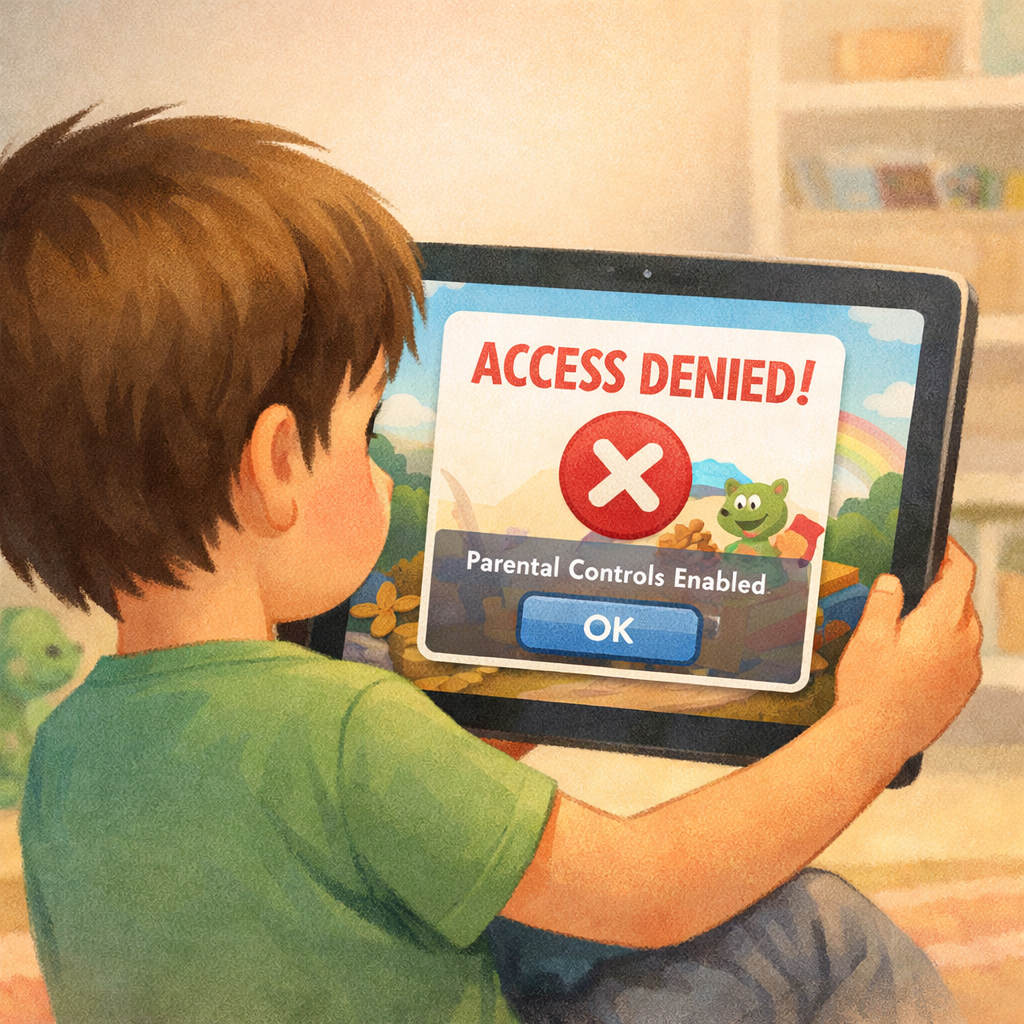
In today’s digital age, children are growing up surrounded by screens. From educational apps to online games and social media, technology is an integral part of daily life. While digital tools can support learning and entertainment, excessive or unregulated use can lead to behavioural challenges,emotional distress, and family conflict.
For many Australian parents, app restrictions are the first line of defence. Built-in parental controls and third-party apps allow families to limit usage, block content, and set schedules. However, restrictions alone are rarely enough.
To truly support healthy screen habits, app restrictions need to be paired with behaviour therapy strategies that teach children self-regulation, responsibility, and emotional control.
This guide explores how to effectively use app restrictions for kids—without constant battles—by applying proven behaviour therapy principles.
Why App Restrictions Are Important
App restrictions help create boundaries in a world where digital access is often unlimited.
Benefits include:
- Limiting exposure to inappropriate content
- Reducing excessive screen time
- Supporting healthy sleep routines
- Encouraging offline activities
- Providing structure and predictability
However, without proper implementation, restrictions can lead to frustration, resistance, or even sneaky behaviour.
The Limitations of App Restrictions Alone
While technology can enforce rules, it cannot teach behaviour.
Common challenges include:
- Children becoming fixated on restricted apps
- Attempts to bypass controls
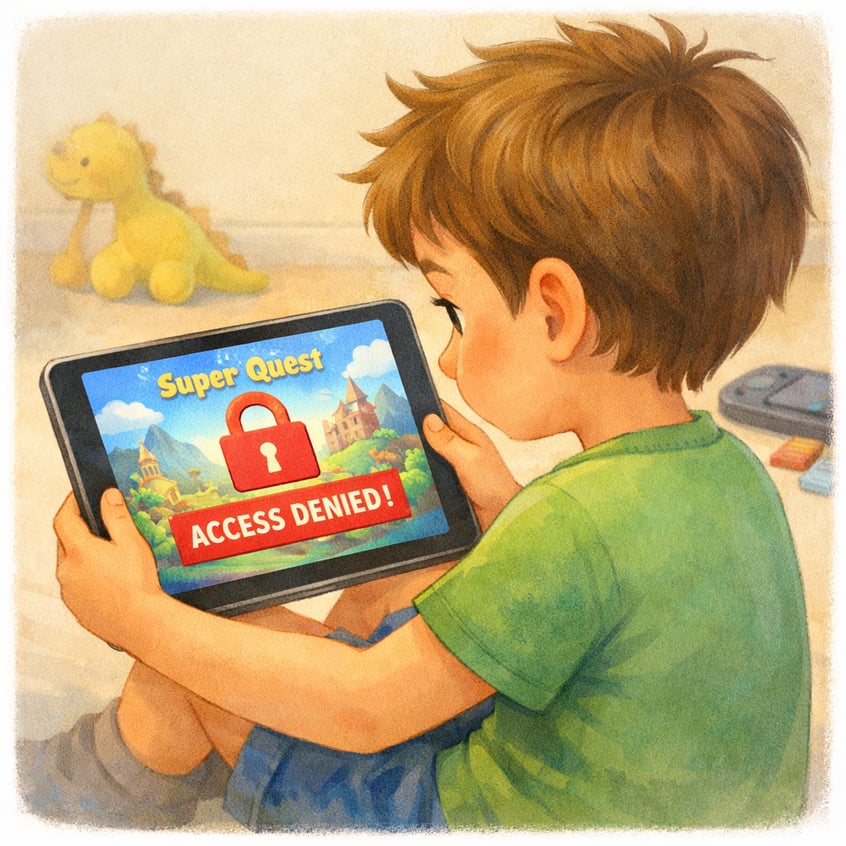
- Increased tantrums when access is denied
- Lack of internal self-control
From a behaviour therapy perspective, restrictions manage the environment—but not the underlying behaviour.
That’s why combining restrictions with behavioural strategies is essential for long-term success.
Behaviour Therapy: The Missing Piece
Behaviour therapy focuses on understanding and shaping behaviour through:
- Reinforcement of positive actions
- Consistent boundaries
- Skill-building
- Gradual habit change
Instead of simply saying “no,” behaviour therapy teaches children how to manage their impulses and emotions.
Step 1: Set Clear and Predictable Rules
Before applying app restrictions, establish clear expectations.
Children need to know:
- When apps can be used
- How long they can use them
- Which apps are allowed
- What happens if rules are broken
Example:
“You can use your tablet for 45 minutes after homework. When the time ends, the apps will lock.”
Predictability reduces anxiety and resistance.
Step 2: Use App Restrictions as a Support Tool
App restrictions should reinforce your rules—not replace them.
Popular tools in Australia include:
- Apple Screen Time
- Google Family Link
- Third-party parental control apps
Use these tools to:
- Set daily limits
- Schedule downtime (e.g., bedtime)
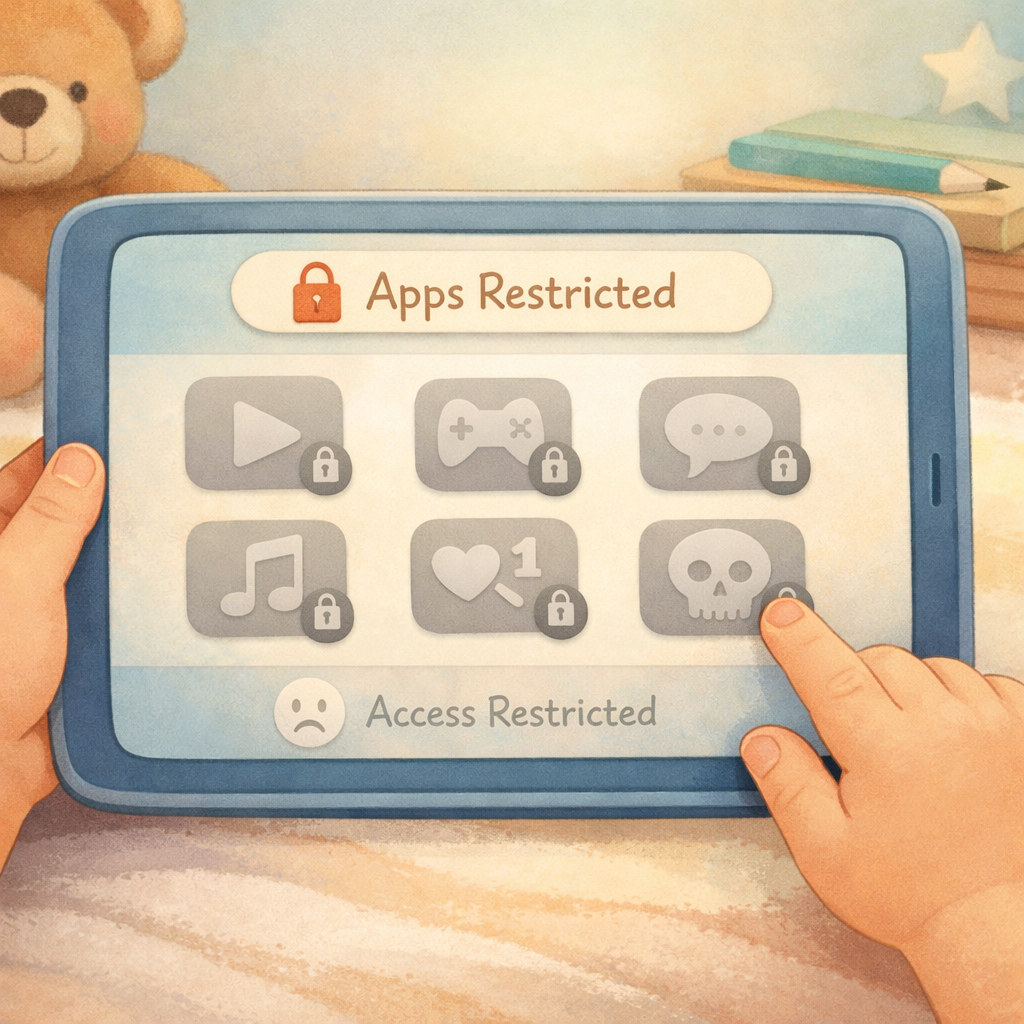
- Block specific apps or categories
When children see that limits are consistent and automated, arguments often decrease.
Step 3: Introduce Restrictions Gradually
Sudden, strict limits can trigger strong emotional reactions.
Instead:
- Reduce app access step by step
- Introduce new limits over time
- Allow adjustment periods
Gradual change aligns with behaviour therapy principles and increases cooperation.
Step 4: Pair Restrictions with Positive Reinforcement
Focusing only on restrictions can create a negative environment.
Balance this by rewarding positive behaviour.
Examples:
- Praise for turning off apps without complaints
- Reward charts for following screen rules
- Extra privileges for consistent cooperation
Example:
“You did a great job stopping your game on time—that shows responsibility.”
Positive reinforcement increases motivation and reduces resistance.
Step 5: Teach Transition Skills
One of the biggest challenges is ending screen time.
Behaviour therapy techniques include:
- Giving warnings (10, 5, 1 minute)
- Using visual timers
- Creating consistent routines
- Practising transitions regularly
App restrictions can signal the end, but children need the skills to respond calmly.
Step 6: Address Emotional Reactions
When app access is limited, children may feel:
- Frustrated
- Angry
- Bored
- Disappointed
Instead of dismissing these feelings:
- Acknowledge them
- Teach coping strategies
- Offer alternatives
Example:
“I know it’s hard to stop when you’re having fun. Let’s find something else you enjoy.”
This helps children build emotional resilience.
Step 7: Provide Engaging Alternatives
Removing apps without offering alternatives often leads to conflict.
Encourage:
- Outdoor play (common and accessible across Australia)
- Creative activities (drawing, crafts, building)
- Social interaction
- Family activities
Behaviour therapy emphasises replacing behaviours rather than simply eliminating them.
Step 8: Be Consistent Across the Household
Consistency is critical.
Ensure that:
- All caregivers follow the same rules
- Exceptions are minimal and predictable
- Limits are enforced every time
Inconsistent enforcement can lead to confusion and increased testing of boundaries.
Step 9: Avoid Using Apps as Rewards or Punishments
Using apps as the ultimate reward can increase their value and desirability.
Instead:
- Treat app use as a normal, limited activity
- Use non-screen rewards (e.g., outings, experiences)
This helps children develop a balanced relationship with technology.
Step 10: Model Healthy App Use
Children learn by observing adults.
If parents are frequently on their devices, children may struggle to accept restrictions.
Model:
- Balanced screen habits
- Device-free family time
- Healthy routines
Behaviour therapy highlights modelling as a key influence on behaviour.
Common Mistakes to Avoid
Even with the best intentions, some approaches can backfire:
- Overly strict or sudden restrictions
- Inconsistent rule enforcement
- Ignoring emotional responses
- Relying entirely on technology
- Not providing alternatives
Avoiding these pitfalls improves outcomes significantly.
Benefits of Combining App Restrictions with Behaviour Therapy
When done effectively, this approach leads to:
- Fewer tantrums and power struggles
- Improved self-regulation
- Better sleep and daily routines
- Stronger family relationships
- Healthier long-term habits
The goal is not just compliance—but independence and self-control.
Adapting Strategies for Australian Families
Australian families are uniquely positioned to support reduced screen use through:
- Access to outdoor spaces and parks
- Strong sports and activity culture
- Community programs and clubs
- Emphasis on balanced lifestyles
Leveraging these factors makes it easier to replace screen time with meaningful alternatives.
Conclusion: Building Healthy Digital Habits That Last
App restrictions are a valuable tool for managing children’s screen use—but they are only part of the solution. Without behaviour therapy strategies, restrictions can lead to conflict rather than change.
By combining clear rules, positive reinforcement, emotional support, and consistent routines, parents can guide their children toward healthier digital habits—without constant battles.
The aim is not just to limit app use, but to help children develop the skills they need to manage technology responsibly for life.
If you’re ready to create a calmer, more balanced digital environment at home, start by implementing one simple change today—such as setting consistent app limits or introducing a reward system for positive behaviour.
If challenges persist, consider seeking support from a child psychologist or behaviour specialist in Australia. Professional guidance can help tailor strategies to your family’s unique needs.
Reach out for a consultation or call daar at 02 9133 2500 for expert guidance tailored to your child’s needs.
FAQ: App Restrictions for Kids
1. At what age should I start using app restrictions?
Many parents begin in early primary school, but it depends on the child’s maturity and device access.
2. Do app restrictions cause more tantrums?
Initially, there may be resistance. However, with consistent behaviour strategies, tantrums usually decrease over time.
3. How much screen time is appropriate?
Guidelines suggest:
- Preschoolers: up to 1 hour per day
- School-aged children: 1–2 hours of recreational screen time
.svg)




.svg)